Wireless Chargers with USB-C: The Future of Cable-Free Charging

The Wireless Charging Revolution
Wireless charging has evolved from a slow, finicky novelty to a practical daily charging solution. With Qi2 and newer wireless charging standards delivering up to 15W, cable-free charging is now a viable alternative to wired charging for phones, earbuds, and other devices.
We carry the XL-16 3-in-1 20W USB + Type-C Multifunctional Wireless Charger. Here’s what you need to know about wireless charging in 2026.
How Wireless Charging Works
Wireless charging uses electromagnetic induction. The charging pad contains a transmitter coil that generates an alternating magnetic field. Your phone contains a receiver coil that converts the magnetic field back into electrical current to charge the battery.
The process:
- Charger converts AC power to high-frequency AC current
- Transmitter coil generates alternating magnetic field
- Phone’s receiver coil captures magnetic energy
- Phone’s circuitry converts AC to DC for battery charging
Efficiency is typically 70-80% — meaning 20-30% of energy is lost as heat. This is why wireless charging generates more heat than wired charging.
Qi and Qi2 Standards
Qi (1.0-1.3)
The original wireless charging standard. Supports up to 15W (typically 5W or 10W in practice). Compatible with all Qi-certified devices, including iPhone 8+ and Samsung Galaxy S6+.
Qi2 (2023+)
Based on Apple’s MagSafe technology, Qi2 adds magnetic alignment for precise coil positioning. This improves efficiency and enables true 15W charging on all Qi2 devices — not just Apple. iPhone 13+ and many Android phones support Qi2.
The XL-16 3-in-1 Wireless Charger
Our XL-16 is a multifunctional wireless charging station:
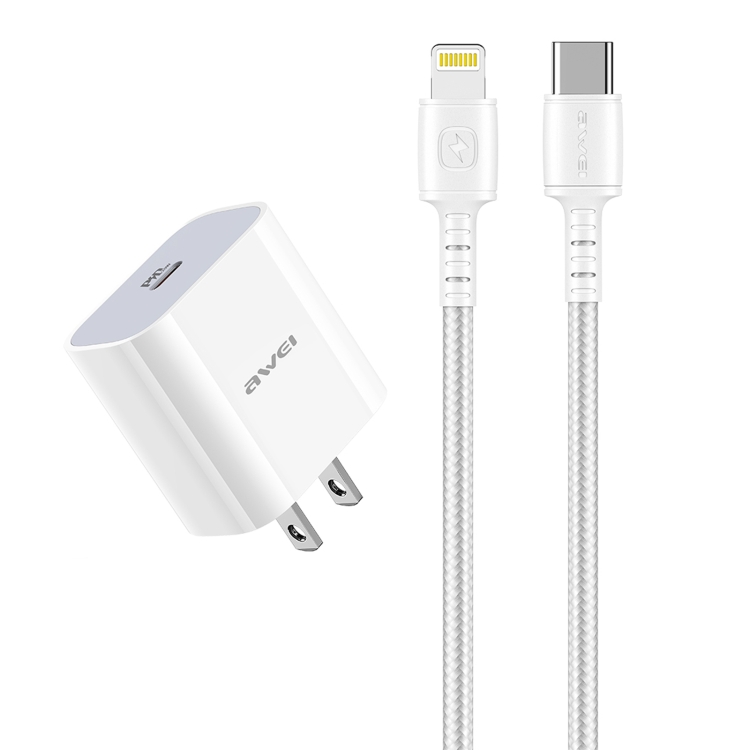
- Wireless charging pad: 10W for phones with Qi support
- USB port: For wired charging of a second device
- Type-C port: For USB-C device charging
- 20W total output: Shared across all ports
- 3-in-1 design: Charge phone, earbuds, and a third device simultaneously
This 3-in-1 design eliminates the need for multiple chargers on your nightstand. Place your phone on the wireless pad, plug your earbuds into the USB port, and connect a third device via Type-C.
Wireless Charging Speed: Wired vs Wireless
| Method | Power | 0-50% Charge Time | Heat Generated |
|---|---|---|---|
| Wired USB-C PD | 20-25W | 25-30 min | Low |
| Wireless Qi (10W) | 10W | 60-70 min | Medium |
| Wireless Qi2 (15W) | 15W | 45-55 min | Medium |
| Apple MagSafe | 15W | 45-55 min | Medium |
Wireless charging is significantly slower than wired charging. It’s best for overnight charging or “top-up” charging at your desk — not for quick emergency charges.
Best Use Cases for Wireless Charging
Nightstand Charging
Place the XL-16 on your nightstand. Put your phone on the pad before bed, and it’s fully charged by morning. The 3-in-1 design also charges your earbuds and a third device — all from one outlet.
Desk Charging
Keep the wireless charger on your desk for quick top-ups throughout the day. Pick up your phone when you need it, put it back when you don’t. No cable to plug and unplug — just place and go.
Kitchen Counter
A wireless charging pad on the kitchen counter provides convenient charging while cooking. No cable to get dirty — just wipe the pad clean.
Conference Room
In offices, wireless charging pads on conference room tables let participants charge phones without cables. Universal Qi compatibility means it works with any phone.
Wireless Charging Limitations
Case Thickness Limits
Wireless charging works through phone cases, but thick cases (over 3mm) significantly reduce charging efficiency. Metal cases or cases with metal plates (for car mounts) block wireless charging entirely.
Heat Generation
Wireless charging generates more heat than wired charging due to energy loss in the induction process. Phones may throttle charging speed when they get warm, further extending charge times.
Misalignment Issues
If the phone’s receiver coil isn’t aligned with the charger’s transmitter coil, charging efficiency drops dramatically. Qi2’s magnetic alignment solves this problem, but older Qi chargers require careful phone placement.
Not for All Devices
Wireless charging works with phones and earbuds. It does NOT work with laptops, tablets (most tablets don’t have Qi receivers), or devices with metal backs.
Combining Wireless and Wired Charging
The XL-16’s 3-in-1 design offers the best of both worlds:
- Phone on wireless pad: Cable-free convenience
- Earbuds via USB: Fast wired charging for the case
- Third device via Type-C: Wired fast charging for devices that need it
This combination ensures you always have the right charging method for each device.
Tips for Optimal Wireless Charging
- Remove thick cases: Cases over 3mm reduce efficiency. Use a thin case or remove the case during charging.
- Avoid metal accessories: PopSockets, metal plates, and credit cards in phone cases interfere with wireless charging
- Keep the pad clean: Dust and debris between the phone and pad reduce efficiency
- Position carefully: Without Qi2 magnets, align the phone’s center with the pad’s center
- Don’t stack devices: Only one device on the pad at a time — stacking can cause overheating