Understanding USB Power Delivery Profiles:

The Voltage Mystery
Your USB-C charger says “5V/3A, 9V/3A, 15V/3A, 20V/5A” on the label. What do these voltages mean? Why does your phone charge at 9V but your laptop needs 20V? Understanding USB PD voltage profiles helps you choose the right charger and troubleshoot charging issues.
At USBToUSB, all our USB-C chargers support multiple voltage profiles. Here’s what each one means and when it’s used.
USB PD Voltage Profiles: The Basics
USB Power Delivery negotiates voltage between charger and device. The charger offers a set of voltage/current profiles, and the device selects the one it needs. This negotiation happens in milliseconds when you plug in.
Standard PD voltage profiles:
- 5V (Default): All USB devices start here. 5V is standard USB voltage.
- 9V (Fast charging phones): Higher voltage means more power at the same current.
- 15V (Tablets and small laptops): For devices that need more power than phones.
- 20V (Laptops and high-power devices): For MacBook Pro, gaming laptops, etc.
- 28V/36V/48V (PD 3.1 EPR): For ultra-high-power devices (240W).
Why Different Voltages?
Power (watts) = Voltage × Current. To deliver more power, you can increase voltage or current. USB cables have current limits (typically 3A for standard cables, 5A for E-Marker cables). To deliver more power without exceeding cable limits, voltage must increase.
- 5V/3A = 15W: Standard USB power. Enough for phones and small accessories.
- 9V/3A = 27W: Fast charging for phones. Higher voltage = more power at same current.
- 15V/3A = 45W: Power for tablets and ultrabooks. MacBook Air needs this profile.
- 20V/3A = 60W: Laptop charging. MacBook Pro 13″ uses this profile.
- 20V/5A = 100W: High-power laptop charging. MacBook Pro 16″ uses this profile.
How Voltage Negotiation Works
When you plug a device into a USB-C charger, the following happens in under 100 milliseconds:
- Connection detection: The charger detects a device on the CC (Configuration Channel) pin
- Device identification: The device sends its power requirements to the charger
- Profile selection: The charger offers available voltage profiles; the device selects the optimal one
- Voltage transition: The charger ramps up to the selected voltage
- Charging begins: Current flows at the negotiated voltage and current
This negotiation ensures safety — the device never receives a voltage it can’t handle. A phone won’t receive 20V just because it’s plugged into a 100W charger.
Device Voltage Requirements
Smartphones (5V and 9V)
Most smartphones charge at 5V for slow charging and 9V for fast charging. The phone’s battery operates at 3.7-4.2V, so the internal charging circuit steps down the USB voltage to battery voltage. Higher USB voltage (9V) allows more power delivery at the same current, reducing heat in the cable.
Tablets (5V, 9V, and 15V)
iPad Pro and Samsung Galaxy Tab use 15V for fast charging. The larger battery requires more power, and 15V/3A (45W) charges a tablet significantly faster than 9V/3A (27W).
Laptops (20V)
Laptop batteries typically operate at 11-15V. The charging circuit steps 20V down to the battery voltage. 20V is necessary because laptops need 45-100W of power, which would require 9-20A at 5V — far exceeding USB cable limits.
Power Banks (5V, 9V, 15V, 20V)
Power banks accept various voltages for input (charging the power bank) and output (charging devices from the power bank). A 20V input charges a power bank much faster than 5V input.
Charger Voltage Support by Model
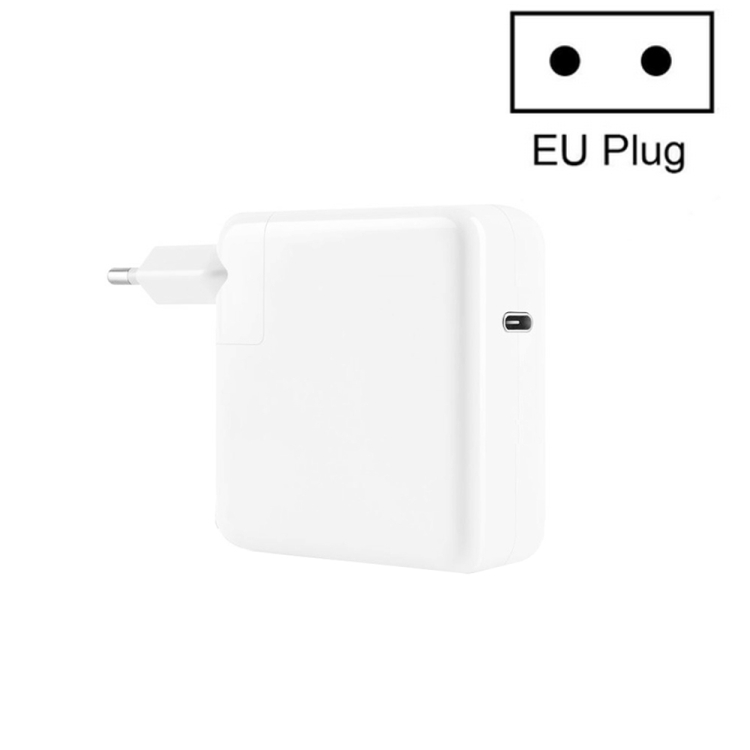
A3365 PD40W
Supports: 5V/3A, 9V/3A, 12V/3A, 15V/2.67A
Best for: Phones, tablets, ultrabooks. Does NOT support 20V, so it cannot charge laptops that require 20V.
JOYROOM JR-TG10 65W
Supports: 5V/3A, 9V/3A, 12V/3A, 15V/3A, 20V/3.25A
Best for: Phones, tablets, MacBook Pro 13″/14″. Full PD profile support.
TE-PD65 GaN
Supports: 5V/3A, 9V/3A, 12V/3A, 15V/3A, 20V/3.25A + PPS
Best for: All devices including Samsung with PPS. Full PD profile support.
What Happens If Voltage Doesn’t Match?
If a device requires 20V but the charger only supports up to 15V, the device charges at 15V (if supported) or falls back to the highest available voltage. A MacBook Pro connected to a 40W charger that tops out at 15V will charge slowly or maintain battery level — it won’t refuse to charge entirely.
If a device requires 9V but the charger only supports 5V, the device charges at 5V/2A (10W) — standard speed, not fast charging.
The PD negotiation ensures safety — mismatched voltages never damage devices. The device simply uses whatever the charger can provide.
Cable Voltage and Current Ratings
USB-C cables have specific voltage and current ratings:
- Standard USB-C cable: 5V-20V, 3A maximum (60W at 20V)
- E-Marker cable: 5V-20V, 5A maximum (100W at 20V)
- PD 3.1 EPR cable: 5V-48V, 5A maximum (240W at 48V)
Using a 3A cable with a 100W charger limits charging to 60W — the cable cannot carry 5A. For full 100W charging, an E-Marker cable is required. The JOYROOM JR-TG10 includes a Type-C cable rated for 3A (sufficient for 65W).