USB-C to HDMI: Connecting Your Devices to External Displays

USB-C to HDMI Connections
USB-C to HDMI cables and adapters allow you to connect laptops, phones, and tablets to HDMI displays. This capability is essential for presentations, gaming, and media consumption.
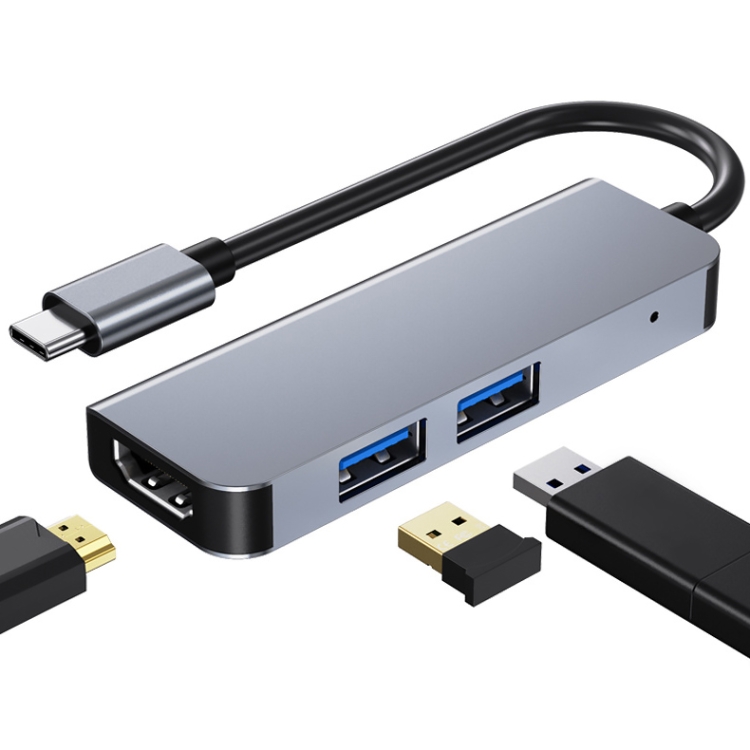
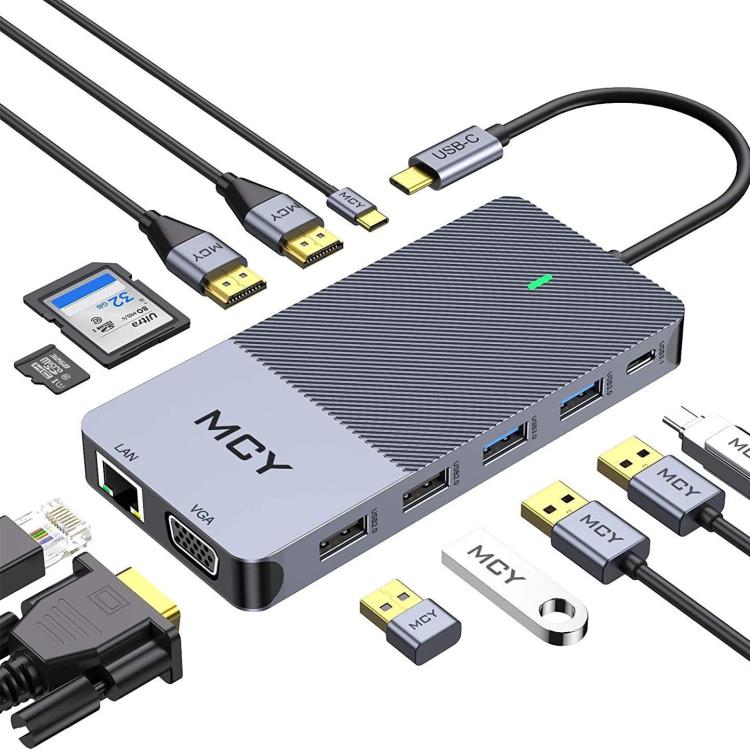
How It Works
- USB-C supports DisplayPort Alt Mode
- Converts DisplayPort signal to HDMI
- Single cable for video and audio
- Some cables also support charging
Resolution Support
- 4K@30Hz: Most USB-C to HDMI cables
- 4K@60Hz: Requires higher bandwidth
- 1080p: All cables support
Device Compatibility
- Check device supports video output
- Most USB-C laptops support
- Some phones support (Samsung DeX, etc.)
- iPad Pro supports external displays
Cable vs Adapter
USB-C to HDMI Cable:
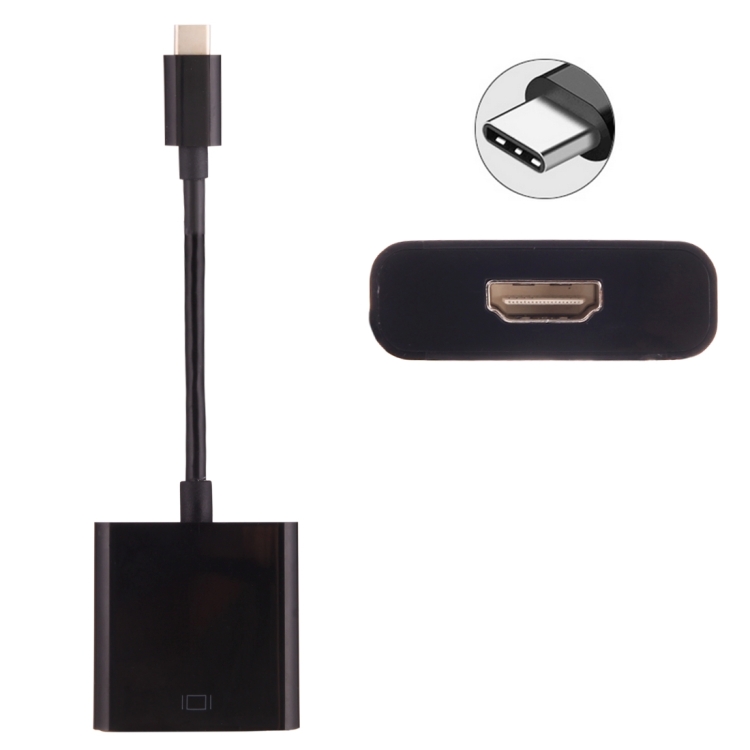
- All-in-one solution
- Less connection points
- More convenient
USB-C to HDMI Adapter:
- Use with existing HDMI cable
- More flexible length options
- Portable solution
Choosing Quality
- Check resolution support
- Look for certification
- Choose appropriate length
- Consider build quality
Benefits of USB-C to HDMI Adapters
USB-C to HDMI adapters offer several advantages for modern devices:
- Universal Compatibility: Works with laptops, tablets, and smartphones with USB-C ports
- High Resolution Support: Supports 4K@60Hz for crystal-clear display
- Plug and Play: No drivers required, instant connection
- Compact Design: Portable and easy to carry
Choosing the Right USB-C to HDMI Adapter
Consider these factors when selecting a USB-C to HDMI adapter:
- Resolution Support: 4K@60Hz for best quality, 4K@30Hz for basic needs
- Cable Length: Choose appropriate length for your setup
- Build Quality: Look for braided cables and durable connectors
- Compatibility: Ensure it works with your specific devices
Common Use Cases
USB-C to HDMI adapters are perfect for:
- Connecting laptops to external monitors
- Presenting from tablets or smartphones
- Gaming on larger screens
- Watching movies on TV
- Extended desktop setups
Troubleshooting Tips
If your USB-C to HDMI adapter isn’t working:
- Check if your device supports video output over USB-C
- Ensure the HDMI cable is properly connected
- Try a different HDMI port on your display
- Update your device’s graphics drivers
- Test with another adapter to rule out hardware issues