USB-C Hub vs USB-C Cable: Which One Do You Need?

Understanding the Difference
USB-C hubs and USB-C cables serve different purposes. A hub expands one USB-C port into multiple connections, while a cable connects devices directly. Understanding when to use each helps you build the right setup.
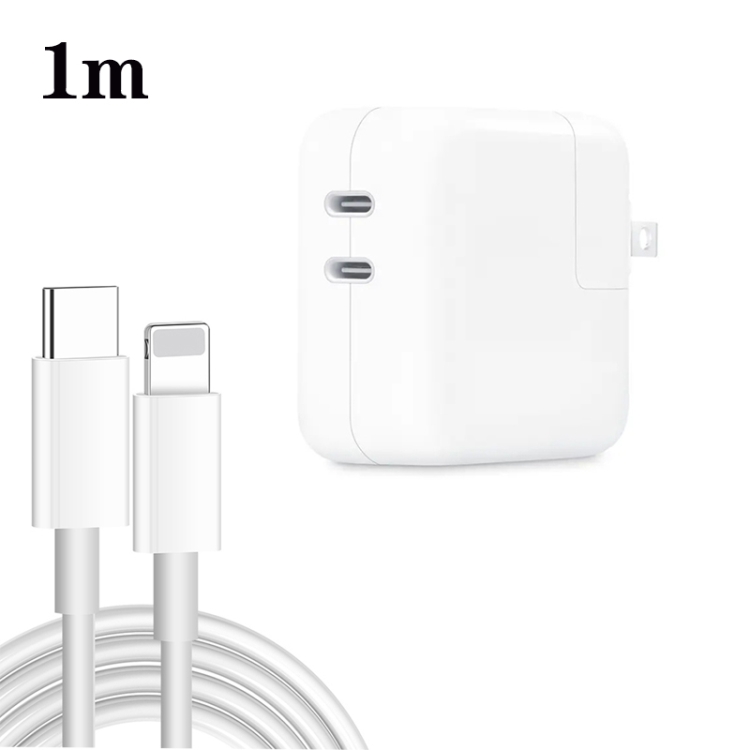
USB-C Cable Functions
USB-C cables are for:
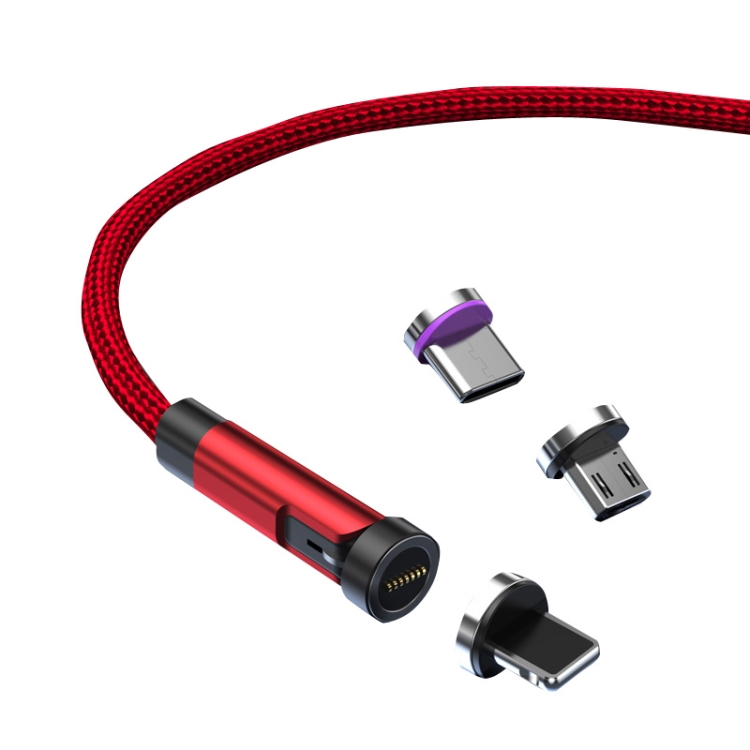
- Direct device-to-device connections
- Charging single devices
- Data transfer between two devices
- Connecting to single peripherals
USB-C Hub Functions
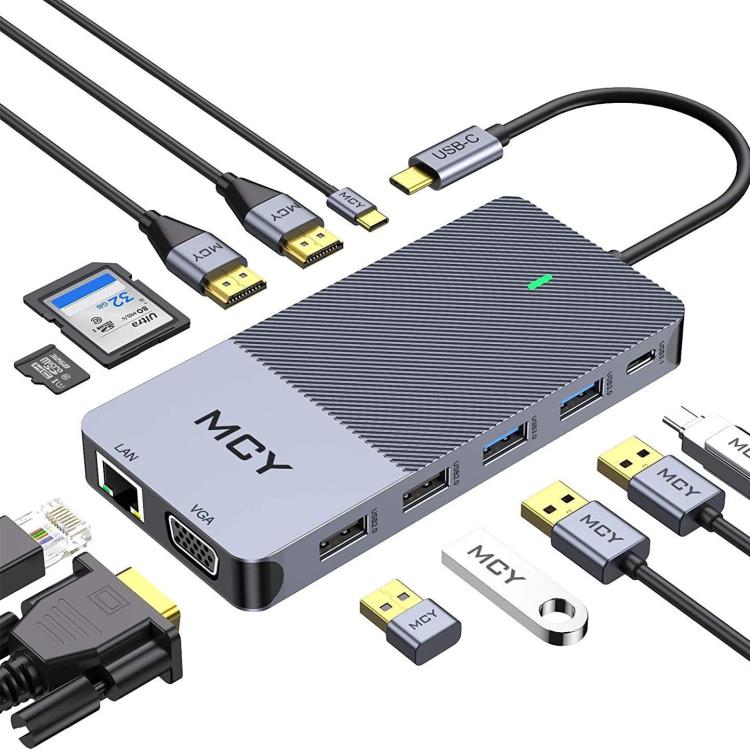
USB-C hubs expand connectivity:
- Multiple USB ports from one connection
- HDMI or DisplayPort for monitors
- SD card readers
- Ethernet ports
- Audio jacks
When to Choose a USB-C Cable
- Simple charging needs
- Direct data transfer
- Connecting one peripheral
- Portable, lightweight solution
When to Choose a USB-C Hub
- Multiple device connections
- Desktop workstation setup
- Connecting monitors
- Need for various port types
Power Delivery Considerations
- Cables: Direct power delivery to device
- Hubs: Some support pass-through charging
- Check power output specifications
Data Transfer Speeds
- Cables: Full speed capability
- Hubs: Speed shared among connected devices
- USB 3.0 hubs maintain good speeds