USB 3.0 vs USB 2.0: Which Cable Do You Really Need?

Understanding USB Standards
When shopping for USB cables, you’ll often see USB 2.0 and USB 3.0 labels. But what’s the difference, and which one do you actually need? Let’s break it down.
Speed Comparison
The most significant difference between USB 2.0 and USB 3.0 is data transfer speed:
- USB 2.0: Maximum speed of 480 Mbps (Megabits per second)
- USB 3.0: Maximum speed of 5 Gbps (Gigabits per second) – that’s 10x faster!
Visual Differences
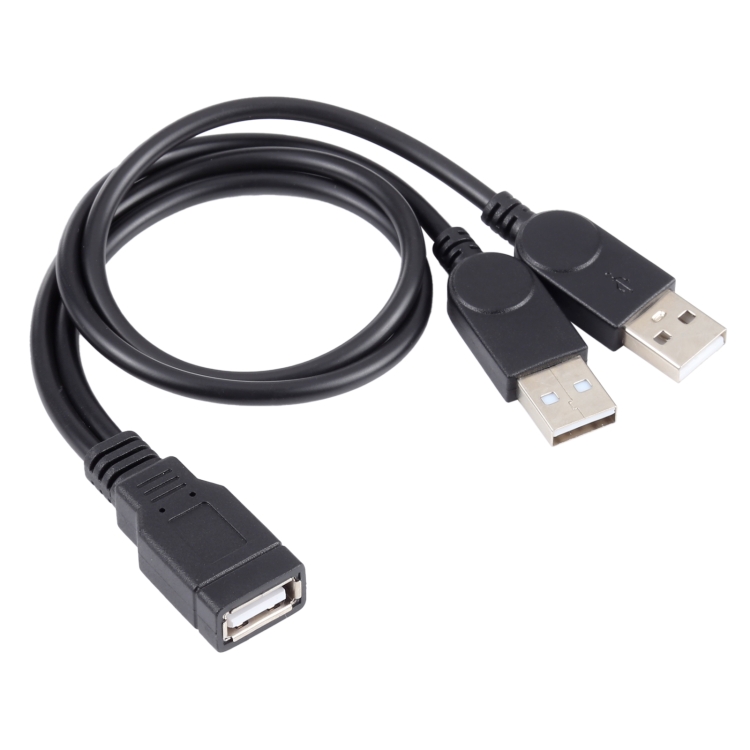
How can you tell them apart? Look for these indicators:
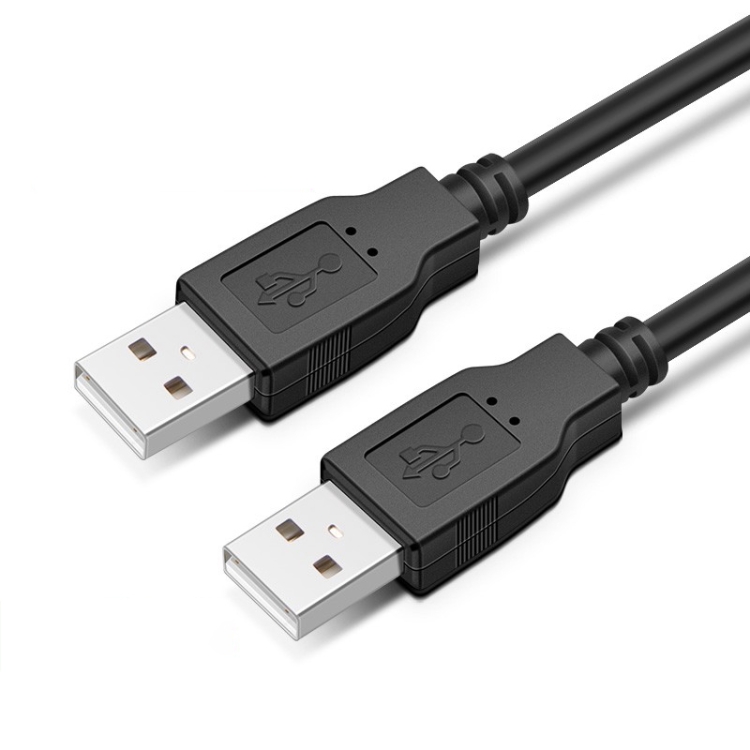
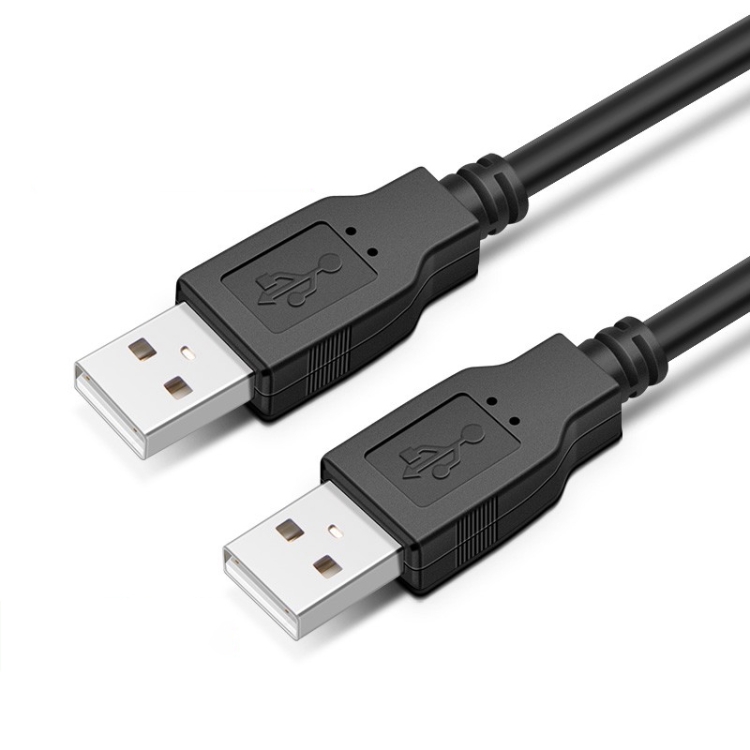
- USB 3.0 connectors are typically blue inside
- USB 2.0 connectors are usually black or white inside
- USB 3.0 cables have additional pins for higher speeds
When to Choose USB 2.0
USB 2.0 cables are perfectly adequate for:
- Basic charging of smartphones and tablets
- Connecting keyboards and mice
- Simple data transfers (documents, small files)
- Budget-friendly solutions
When to Choose USB 3.0
Opt for USB 3.0 when you need:
- Fast file transfers (videos, photos, large documents)
- External hard drives and SSDs
- High-speed charging with Power Delivery
- Connecting multiple devices through hubs
Compatibility
Good news: USB 3.0 is backward compatible with USB 2.0. This means:
- USB 3.0 devices work with USB 2.0 ports (at slower speeds)
- USB 2.0 devices work with USB 3.0 ports
- You can mix and match without issues
Actual Performance
Here’s what the speed difference means in practice:
- Transferring 1GB of photos: USB 2.0 takes ~17 seconds, USB 3.0 takes ~2 seconds
- Transferring 10GB video: USB 2.0 takes ~3 minutes, USB 3.0 takes ~20 seconds
- Backing up 100GB: USB 2.0 takes ~30 minutes, USB 3.0 takes ~3 minutes