USB Charger Heat Issues: Causes and Solutions

Understanding Charger Heat
USB chargers generate heat during operation. While some warmth is normal, excessive heat can indicate problems. Understanding the causes helps you address issues safely.
Normal vs Excessive Heat
- Normal: Slightly warm to touch during charging
- Concerning: Hot to touch, uncomfortable to hold
- Dangerous: Very hot, smell of burning, discoloration
Common Causes of Overheating
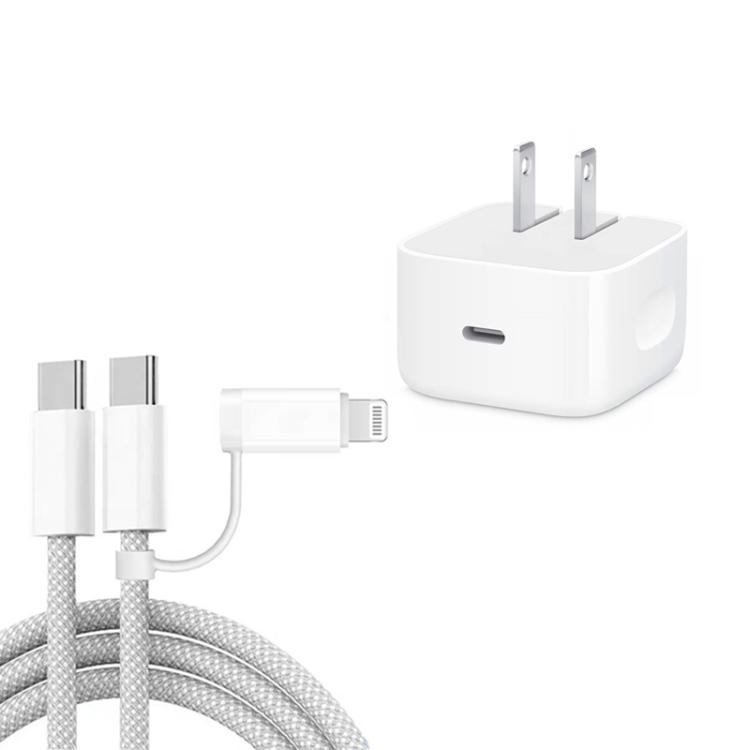
- High power output: Fast charging generates more heat
- Poor ventilation: Charger covered or enclosed
- Faulty charger: Internal component failure
- Cable issues: Damaged or low-quality cable
- Device problems: Battery or charging circuit issues
Solutions for Hot Chargers
- Unplug and let cool if too hot
- Ensure proper ventilation
- Don’t cover charger while in use
- Use quality cables and chargers
- Avoid charging under pillows or bedding
When to Replace
- Consistently overheats
- Shows physical damage
- Makes unusual sounds
- Smells like burning
Safety Tips
- Use certified chargers
- Don’t leave charging unattended overnight
- Keep away from flammable materials
- Check regularly for damage