USB Charger for Multiple Devices: What to Consider

Multi-Device Charging Solutions
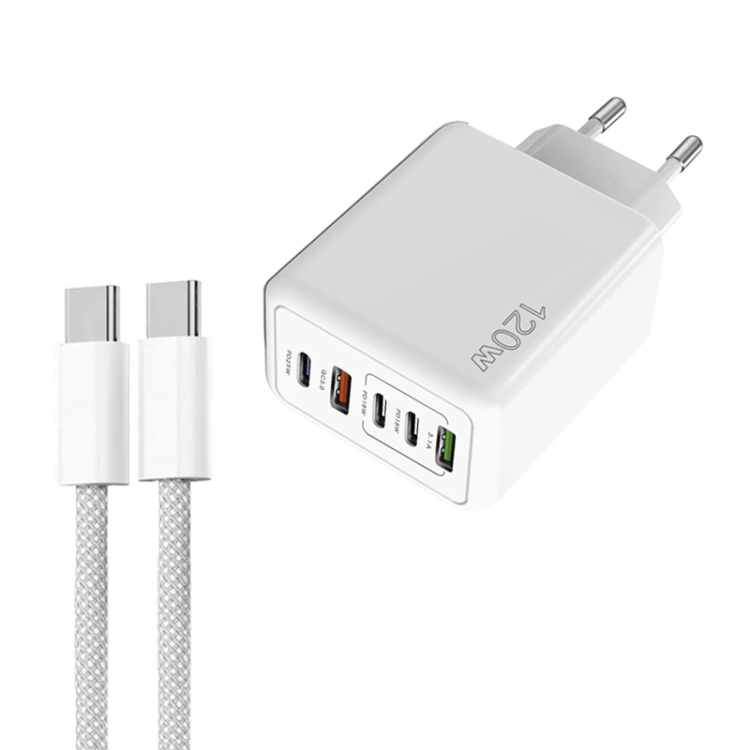
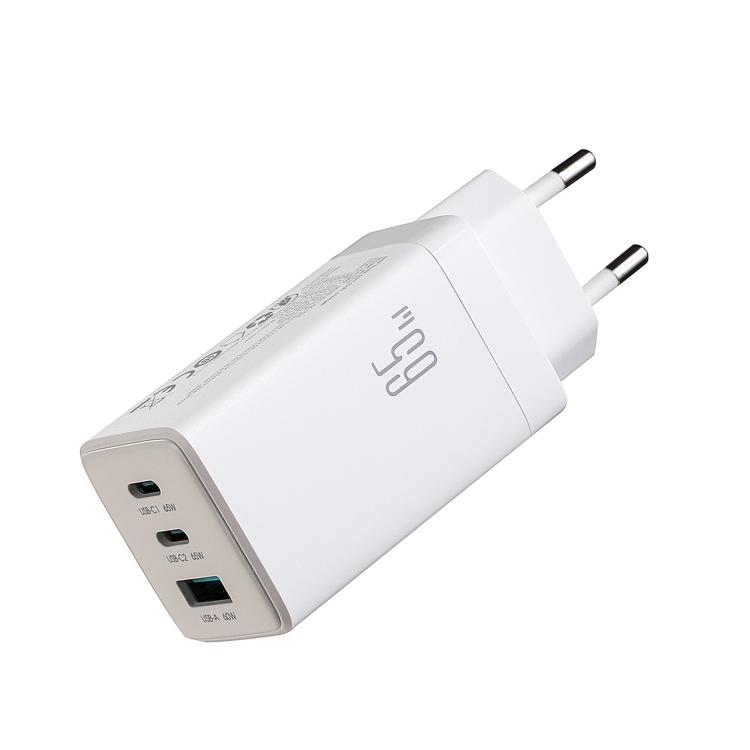
With multiple devices comes the need for efficient charging solutions. A single multi-device charger can replace several individual chargers.
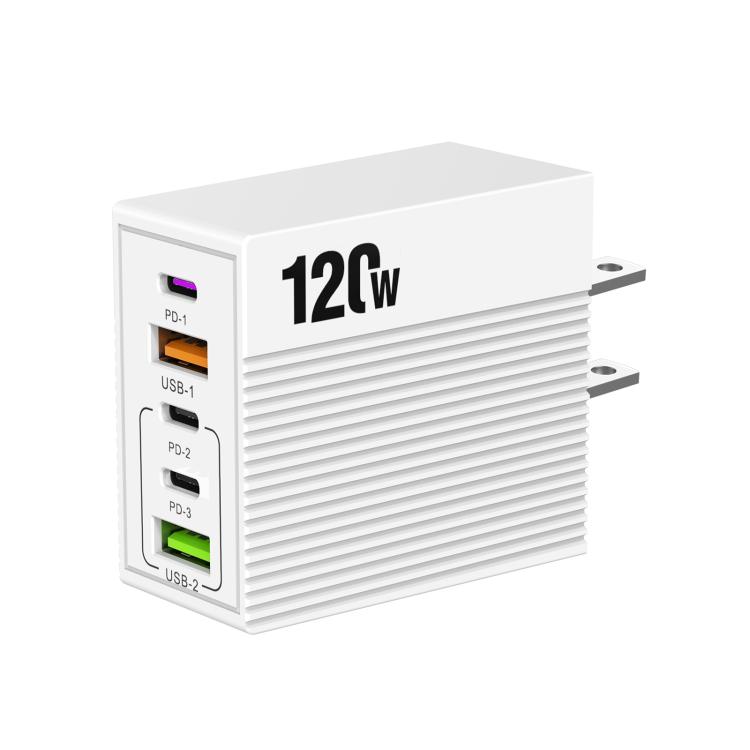
Types of Multi-Device Chargers
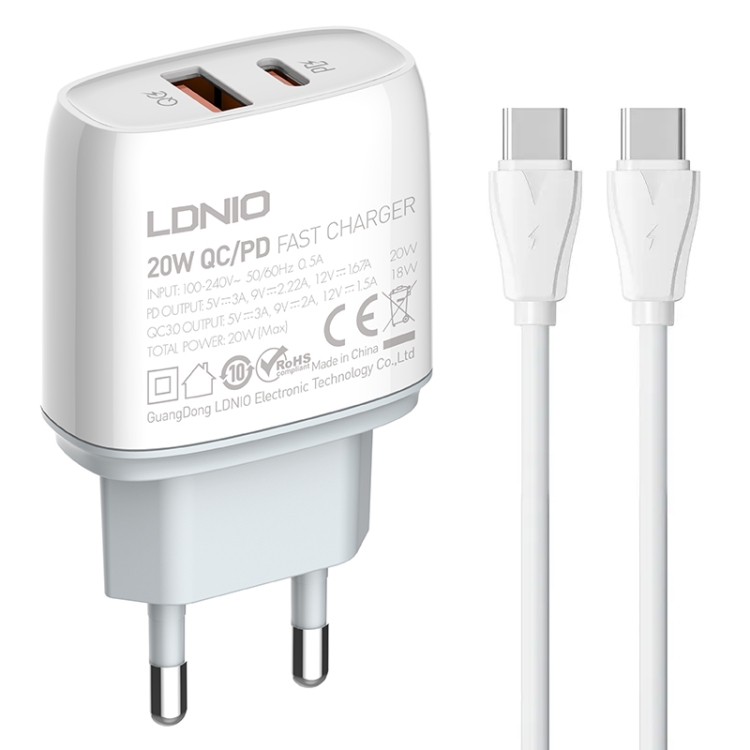
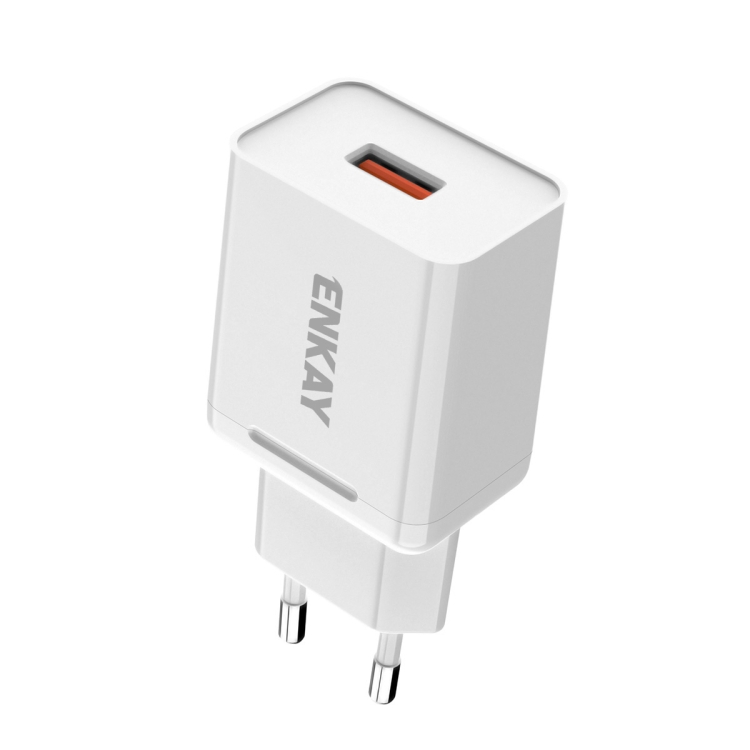
- Multi-port wall chargers: 2-6 USB ports
- Desktop charging stations: Multiple ports with stand
- USB hubs with charging: Data and power combined
Power Distribution
- Total wattage: Shared among ports
- Smart allocation: Devices get what they need
- Dedicated fast charging ports: Specific high-power ports
Port Selection
- Mix of USB-A and USB-C ports
- USB-C for modern devices
- USB-A for legacy devices
- Check fast charging support per port
Choosing the Right Charger
- Count your devices
- Calculate total power needs
- Consider device types
- Check port types needed
Benefits
- Reduce cable clutter
- Save outlet space
- Convenient charging
- Cost-effective
Key Considerations
For choosing USB cables and accessories, keep these factors in mind:
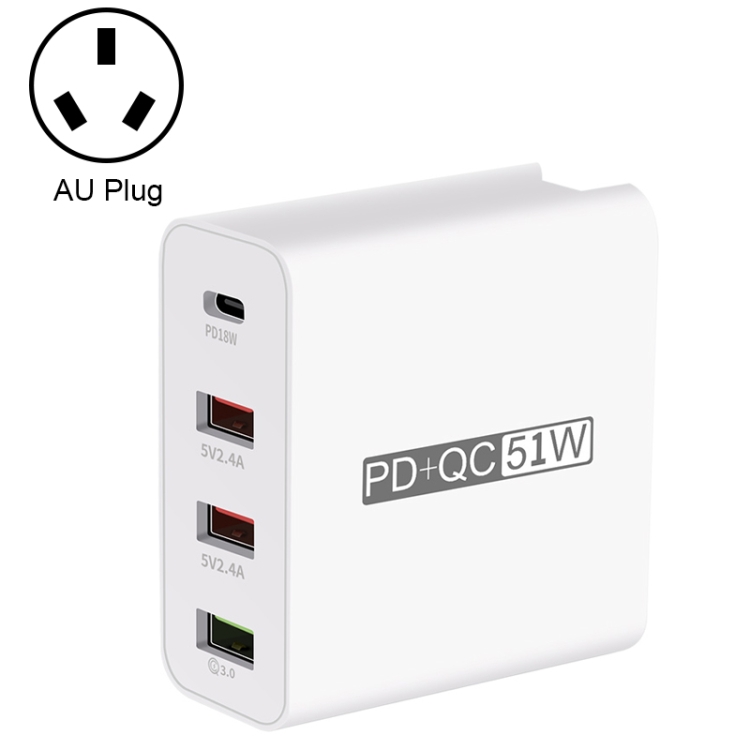
- Quality: Invest in certified cables for safety and performance
- Compatibility: Ensure the cable supports your device’s requirements
- Length: Choose appropriate length for your use case
- Speed: Consider data transfer speeds for your needs
- Power: Check power delivery capabilities for fast charging
Best Practices
Follow these tips to get the most out of your USB cables:
- Avoid bending cables at sharp angles
- Store cables properly when not in use
- Use cable organizers to prevent tangling
- Replace damaged cables immediately
- Choose reputable brands for reliability
Common Mistakes to Avoid
Watch out for these common USB cable mistakes:
- Buying cheap, uncertified cables
- Ignoring cable specifications
- Using damaged cables
- Overloading cables with high-power devices
- Mixing up cable types and speeds
Future-Proofing Your Setup
Prepare for future technology with these tips:
- Choose USB-C cables with USB 3.2 or USB4 support
- Invest in cables with Power Delivery capability
- Consider Thunderbolt 3/4 compatible cables
- Look for cables with higher wattage ratings
- Buy from reputable manufacturers with warranties