USB Cable Connectors: A Complete Visual Guide

Understanding USB Connector Types
USB connectors come in various shapes and sizes. This visual guide helps you identify and understand different USB connector types.
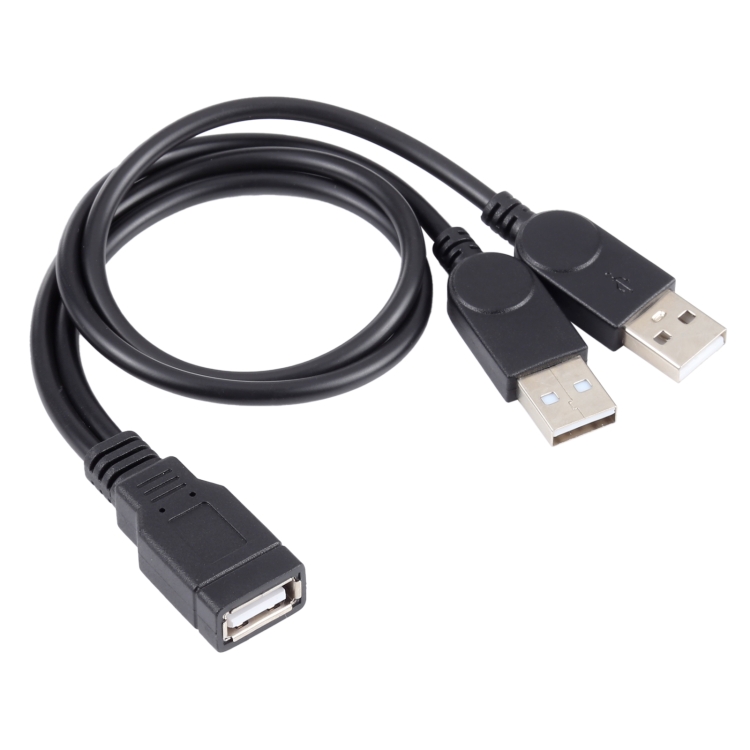
USB-A Connectors
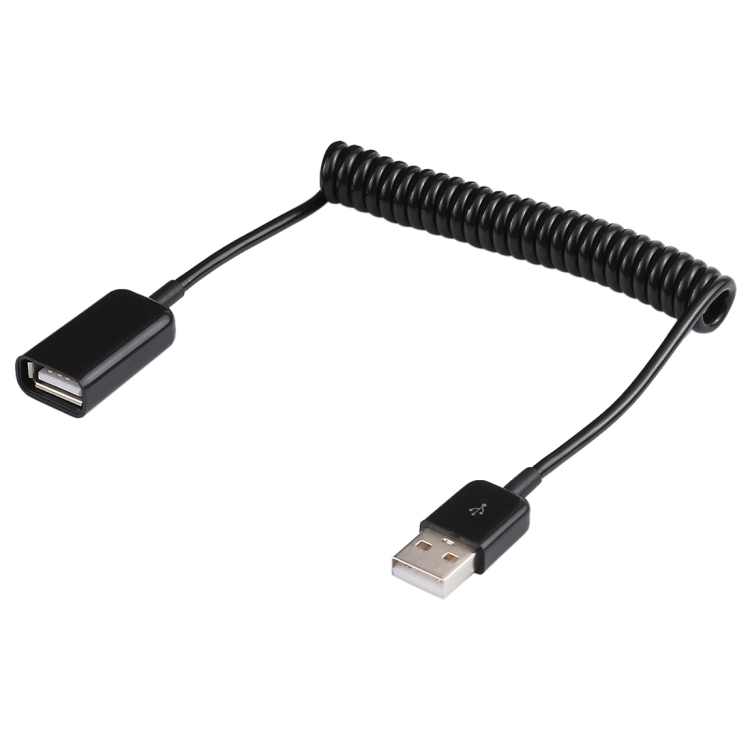
- Standard-A: Original rectangular connector
- Found on computers, chargers, hubs
- One-way insertion
- Still widely used
USB-B Connectors
- Standard-B: Square connector for printers
- Mini-B: Older small devices
- Micro-B: Older Android phones
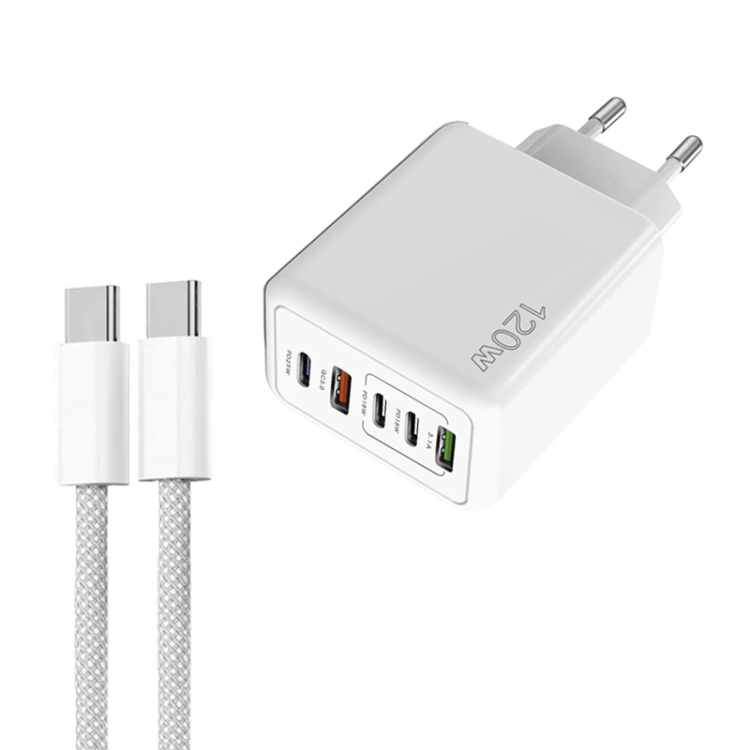
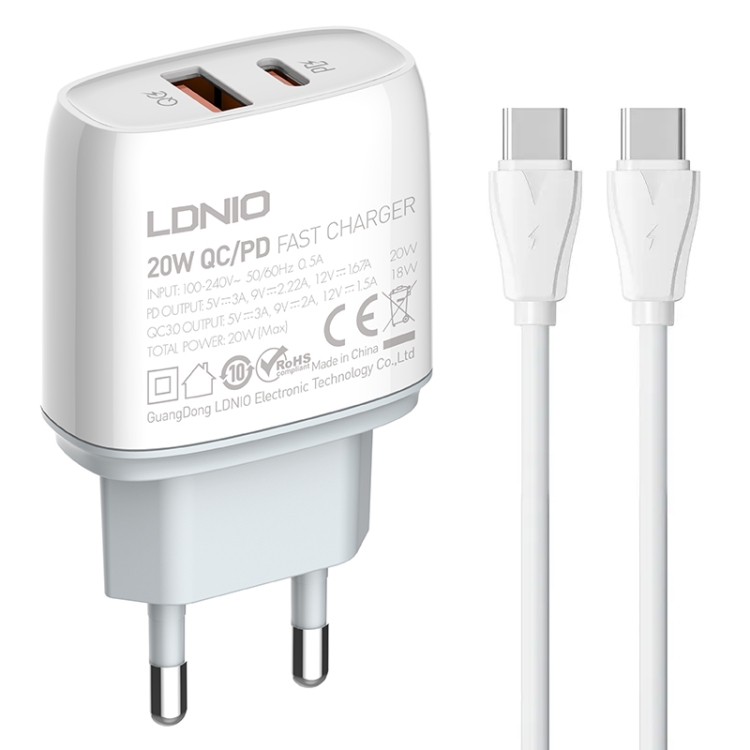
USB-C Connector
- Oval-shaped, reversible
- Universal standard
- Supports all USB features
- Future-proof design
Lightning Connector
- Apple proprietary
- 8-pin design
- Reversible
- Used on iPhones and iPads
Choosing the Right Connector
- Check your device ports
- Consider future compatibility
- USB-C recommended for new purchases
Key Considerations
For choosing USB cables and accessories, keep these factors in mind:
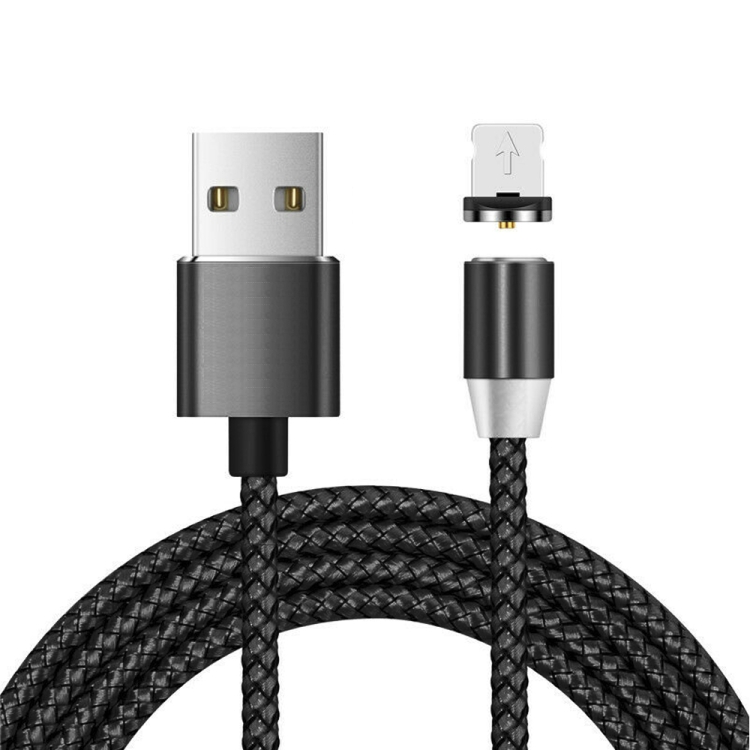
- Quality: Invest in certified cables for safety and performance
- Compatibility: Ensure the cable supports your device’s requirements
- Length: Choose appropriate length for your use case
- Speed: Consider data transfer speeds for your needs
- Power: Check power delivery capabilities for fast charging
Best Practices
Follow these tips to get the most out of your USB cables:
- Avoid bending cables at sharp angles
- Store cables properly when not in use
- Use cable organizers to prevent tangling
- Replace damaged cables immediately
- Choose reputable brands for reliability
Common Mistakes to Avoid
Watch out for these common USB cable mistakes:
- Buying cheap, uncertified cables
- Ignoring cable specifications
- Using damaged cables
- Overloading cables with high-power devices
- Mixing up cable types and speeds
Future-Proofing Your Setup
Prepare for future technology with these tips:
- Choose USB-C cables with USB 3.2 or USB4 support
- Invest in cables with Power Delivery capability
- Consider Thunderbolt 3/4 compatible cables
- Look for cables with higher wattage ratings
- Buy from reputable manufacturers with warranties