USB-C to Lightning Cable: Fast Charging for iPhone Users

The Key to Fast iPhone Charging
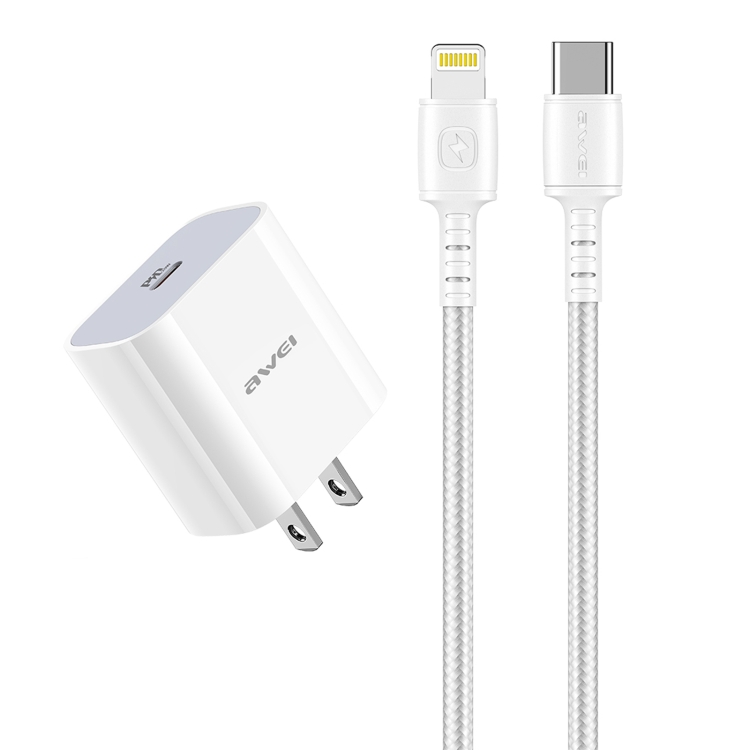
USB-C to Lightning cables are essential for iPhone users who want fast charging capabilities. Since Apple removed the power adapter from iPhone boxes, understanding these cables has become more important than ever.
What is USB-C to Lightning?
A USB-C to Lightning cable features:
- USB-C connector: Connects to USB-C power adapters
- Lightning connector: Apple’s proprietary connector for iOS devices
- MFi certification: Apple’s quality standard for accessories
Fast Charging Benefits
Using a USB-C to Lightning cable with a compatible charger enables:
- 50% charge in 30 minutes for iPhone 8 and later
- Faster charging compared to standard USB-A cables
- Support for higher wattage charging (18W+)
Compatible Devices
USB-C to Lightning cables work with:
- iPhone: iPhone 5 and later
- iPad: iPad mini, iPad Air, iPad Pro (Lightning models)
- AirPods: AirPods charging case
MFi Certification Matters
Always choose MFi (Made for iPhone/iPad/iPod) certified cables:
- Guaranteed compatibility with iOS updates
- Safe charging without risk to device
- Better build quality and durability
Key Considerations
For choosing USB cables and accessories, keep these factors in mind:
- Quality: Invest in certified cables for safety and performance
- Compatibility: Ensure the cable supports your device’s requirements
- Length: Choose appropriate length for your use case
- Speed: Consider data transfer speeds for your needs
- Power: Check power delivery capabilities for fast charging
Best Practices
Follow these tips to get the most out of your USB cables:
- Avoid bending cables at sharp angles
- Store cables properly when not in use
- Use cable organizers to prevent tangling
- Replace damaged cables immediately
- Choose reputable brands for reliability
Common Mistakes to Avoid
Watch out for these common USB cable mistakes:
- Buying cheap, uncertified cables
- Ignoring cable specifications
- Using damaged cables
- Overloading cables with high-power devices
- Mixing up cable types and speeds
Future-Proofing Your Setup
Prepare for future technology with these tips:
- Choose USB-C cables with USB 3.2 or USB4 support
- Invest in cables with Power Delivery capability
- Consider Thunderbolt 3/4 compatible cables
- Look for cables with higher wattage ratings
- Buy from reputable manufacturers with warranties