USB-C Cable for MacBook: Choosing the Right One

MacBook USB-C Requirements
Modern MacBooks use USB-C for charging and data. Choosing the right cable ensures optimal performance and fast charging.
MacBook Models and USB-C
- MacBook Air (2018+): USB-C with Thunderbolt
- MacBook Pro (2016+): USB-C with Thunderbolt 3
- MacBook Pro (2021+): MagSafe 3 or USB-C
Charging Requirements
- MacBook Air: 30W USB-C PD charger
- 13″ MacBook Pro: 60W USB-C PD charger
- 14″ MacBook Pro: 96W USB-C PD charger
- 16″ MacBook Pro: 140W USB-C PD charger
Cable Specifications
- Power Delivery: Must support required wattage
- Data speed: USB 3.1 or Thunderbolt 3
- Video output: For external displays
- Length: 1-2m recommended
Thunderbolt vs USB-C
- Thunderbolt 3: 40Gbps, supports all features
- USB-C: 5-20Gbps, good for most uses
- Choose Thunderbolt for maximum performance
Apple vs Third-Party Cables
- Apple cables are quality but expensive
- Third-party cables can be equally good
- Look for MFi certification
- Check USB-IF certification
Key Considerations
For choosing USB cables and accessories, keep these factors in mind:
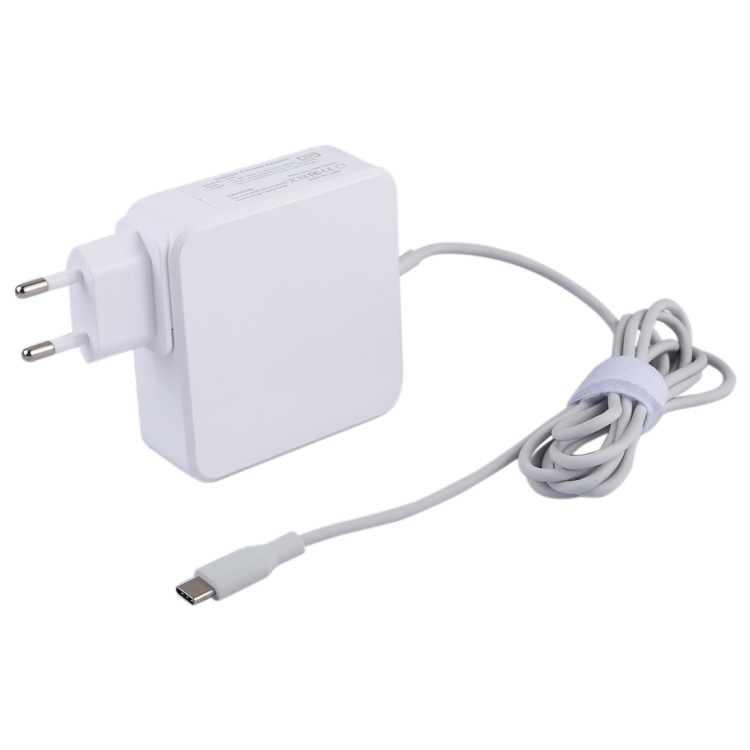
- Quality: Invest in certified cables for safety and performance
- Compatibility: Ensure the cable supports your device’s requirements
- Length: Choose appropriate length for your use case
- Speed: Consider data transfer speeds for your needs
- Power: Check power delivery capabilities for fast charging
Best Practices
Follow these tips to get the most out of your USB cables:
- Avoid bending cables at sharp angles
- Store cables properly when not in use
- Use cable organizers to prevent tangling
- Replace damaged cables immediately
- Choose reputable brands for reliability
Common Mistakes to Avoid
Watch out for these common USB cable mistakes:
- Buying cheap, uncertified cables
- Ignoring cable specifications
- Using damaged cables
- Overloading cables with high-power devices
- Mixing up cable types and speeds
Future-Proofing Your Setup
Prepare for future technology with these tips:
- Choose USB-C cables with USB 3.2 or USB4 support
- Invest in cables with Power Delivery capability
- Consider Thunderbolt 3/4 compatible cables
- Look for cables with higher wattage ratings
- Buy from reputable manufacturers with warranties