One Charger, Five Devices: The Minimalist Travel Setup

One Charger, Five Devices: The Minimalist Travel Setup That Actually Works
Generic buying guides tell you what specs to look for. They don’t tell you how those specs translate to your actual desk, your actual bag, your actual daily routine. This guide does. Travel charging setup.
The Setup
Here’s what you’re working with and what you need to accomplish:
- Primary device — Laptop or tablet that needs charging and data connectivity
- Secondary devices — Phone, headphones, maybe a portable drive
- Constraint — Limited outlets, limited bag space, limited budget
The goal: one charger, a few cables, everything works without thinking about it.
The Cable Kit
Cable 1: The Daily Driver (USB-C to USB-C, 10 Gbps, 100W with E-Marker)
This is the cable that stays plugged into your charger 90% of the time. It handles laptop charging at up to 100W, phone fast charging, and data transfers to external drives at 10 Gbps. The E-Marker chip means it won’t bottleneck a 100W charger. Buy a 1-meter length for desk use or 2-meter for bedside.
Expected cost: $12-18
Cable 2: The Backup (USB-C to USB-C, USB 2.0, 60W)
A cheap, lightweight cable that goes in your bag for emergencies. It charges phones and tablets at full speed. It won’t do fast data transfers, but that’s not what it’s for — it’s the cable you lend to a friend, the one you don’t mind losing. 1.5 meters, nylon braided for durability.
Expected cost: $5-8
Cable 3: The Display Cable (USB4 or Thunderbolt 4, 40 Gbps)
Only needed if you connect an external monitor or docking station. A 40 Gbps cable carries DisplayPort Alt Mode video alongside USB data and power delivery. Without it, your 4K external display may flicker or run at reduced refresh rate. 0.8 meters is standard for dock connections.
Expected cost: $25-40
The Charger
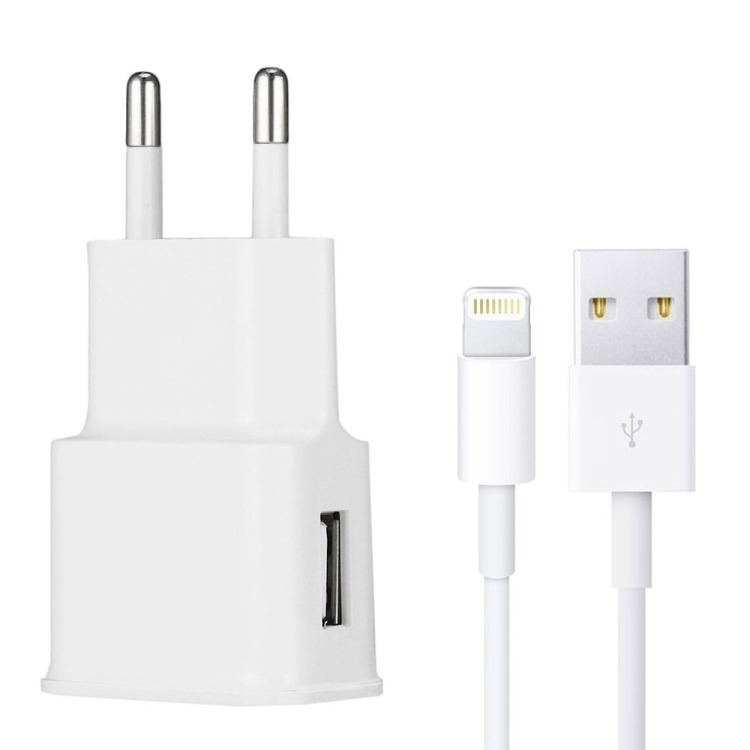
A single GaN charger replaces your laptop brick, phone cube, and tablet adapter. Look for:
- 65W minimum for laptops (most ultrabooks), 100W for larger laptops
- 2-3 USB-C ports so you can charge phone + laptop simultaneously
- GaN construction — smaller, cooler, more efficient than silicon at the same wattage
- PPS support — required for Samsung and Google fast charging at full speed
The power sharing on multi-port chargers is important. A “100W” charger with two ports typically delivers 65W + 30W when both are in use, not 100W + 100W. Check the power allocation table before buying.
Packing List (What Goes in Your Bag)
| Item | Spec | Use Case | Budget |
|---|---|---|---|
| GaN charger | 65-100W, 2-3 USB-C ports | All device charging | $25-45 |
| USB-C to USB-C | 10 Gbps, E-Marker, 1m | Laptop + phone charging, SSD transfers | $12-18 |
| USB-C to USB-C | USB 2.0, 60W, 1.5m | Backup / travel / lending | $5-8 |
| USB4 cable | 40 Gbps, 0.8m | Monitor / dock connection | $25-40 |
| USB-C to Lightning | MFi certified, 1m | Legacy iPhone / AirPods | $10-15 |
Total kit cost: $77-126. Replaces 3+ individual chargers and a drawer of incompatible cables.
The Bottom Line
You don’t need a cable for every device. You need three cables with the right specs — one for power and fast data, one for backup charging, and one for display — and one charger with enough ports and wattage to handle everything. Buy less. Buy better.
Build your kit from our USB-C cable collection and GaN charger selection.
FAQ
What travel USB-C charger do I actually need?
It depends on your specific setup. Count your devices, check their charging wattage requirements, and buy one multi-port GaN charger that covers the total. Add 2-3 cables: one 10 Gbps with E-Marker for daily use, one cheap USB 2.0 for backup, and one 40 Gbps if you use a dock or external display.
Can I use one charger for all my devices?
Yes, with the right charger. A 65-100W GaN charger with 2-3 USB-C ports can handle a laptop, phone, and tablet simultaneously. Check the power allocation table — most multi-port chargers share wattage across ports. A “100W” charger with two ports typically delivers 65W + 30W, not 100W + 100W.
How much should I spend on cables?
$5-8 for a USB 2.0 charging cable. $12-18 for a USB 3.2 Gen 2 (10 Gbps) cable with E-Marker. $25-40 for a USB4 (40 Gbps) cable. Anything beyond these price points should include active signal conditioning or premium connector construction — otherwise you’re overpaying.
Related Searches: travel USB-C charger, one charger multiple devices, GaN travel charger 2026, USB-C charger travel guide, USB-C cable buying tips, charger safety certification, USB-IF certified products, best USB-C accessories 2026