Multi-Port USB-C Chargers: Are 8-Port Charging Stations Worth It?

The Rise of Desktop Charging Stations
With the average household now owning 6+ USB-C devices, multi-port charging stations have gone from luxury to necessity. But do you really need an 8-port charging station, or will a 3-port GaN charger suffice? After testing everything from 2-port travel chargers to 8-port desktop stations, we have a clear answer.
USBToUSB carries a range of multi-port chargers, including the 150W 8-Port Fast Charging Station and the 50W 6-Port charger. Here’s our honest assessment of when each makes sense.
Types of Multi-Port Chargers
2-3 Port GaN Chargers (45-65W)
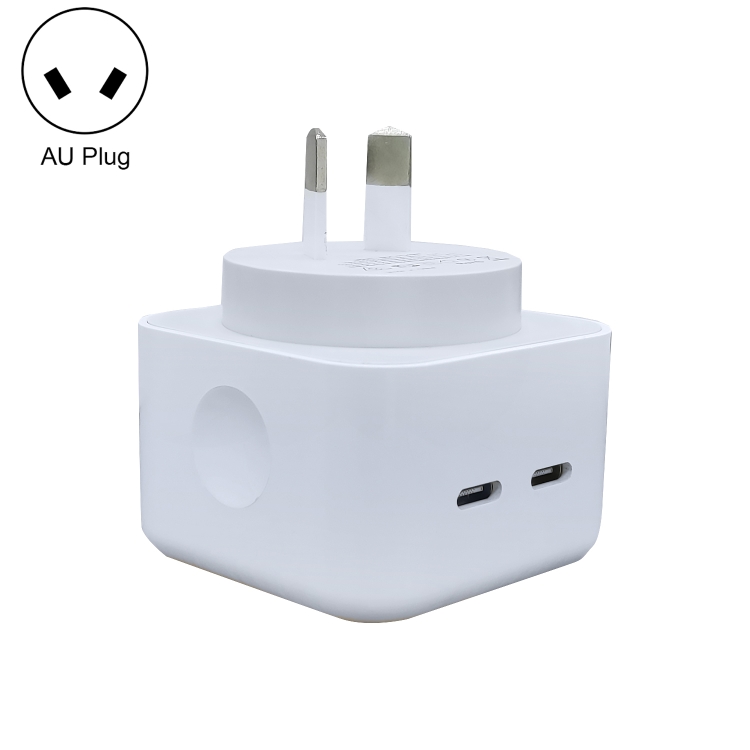
Chargers like the MOMAX UM79 1-Charge Ultra offer two ports in a slim, travel-friendly package. These are ideal for charging a phone and laptop simultaneously on the go. Total power is shared between ports, so a 65W charger with two devices might allocate 45W to a laptop and 15W to a phone.
4-6 Port Desktop Chargers (50-100W)
The 50W 6-Port charger distributes power across USB-A and USB-C ports. These are designed for home or office use where multiple devices need charging throughout the day. Each port typically delivers 10-20W, which is fine for phones and accessories but not for laptops.
8+ Port Charging Stations (150W+)
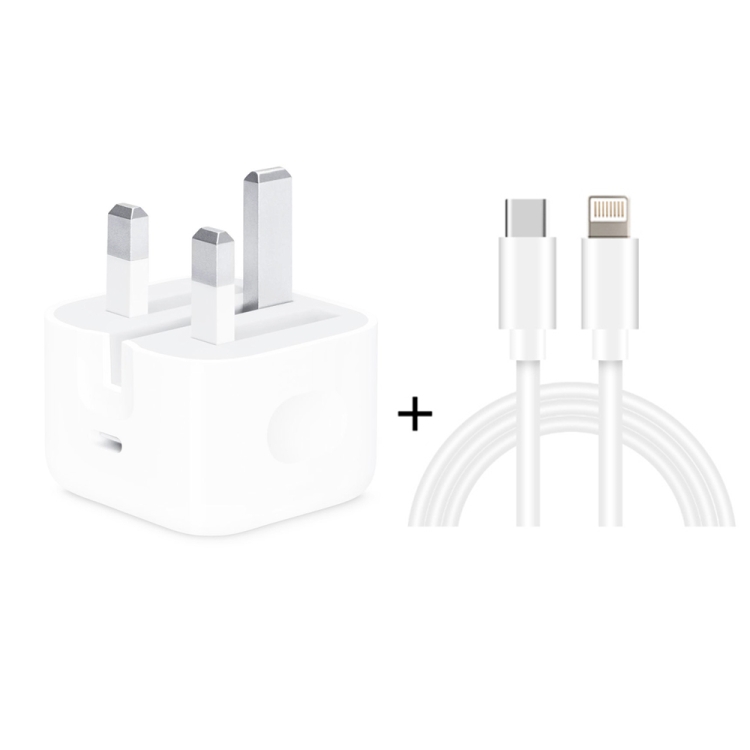
The 150W 8-Port station is the ultimate desktop charging solution. With 4 USB-A ports and 4 Type-C ports, it can simultaneously charge 8 devices. Total output of 150W means you can charge 2 laptops at 65W each, plus 6 additional devices — though in practice, power is dynamically distributed based on what’s connected.
When an 8-Port Station Makes Sense
An 8-port charging station is worth the investment if you identify with any of these scenarios:
- Family charging hub: 4 family members with 2 devices each = 8 ports needed
- Home office setup: Laptop, monitor, keyboard, mouse, phone, earbuds, smartwatch, and a backup battery
- Small business/retail: Charging multiple devices for a team or display units
- Tech enthusiast: If you have 8+ devices that need charging regularly
When a 3-Port Charger Is Enough
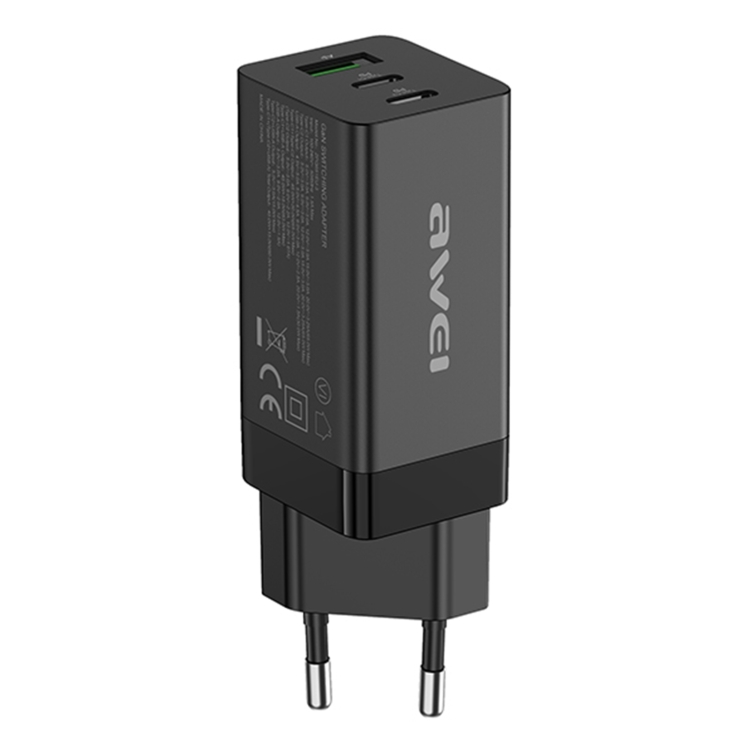
If you’re a solo user with a laptop, phone, and earbuds, a 3-port GaN charger like the JOYROOM JR-TG10 65W handles everything. It’s smaller, cheaper, and travels well. The 8-port station would overkill — most of its ports would sit empty.
Power Distribution: How Multi-Port Chargers Share Wattage
This is the most misunderstood aspect of multi-port chargers. A “150W” charger doesn’t give every port 150W. Power is allocated dynamically based on the connected devices’ needs. Here’s how a typical 8-port station distributes power:
- 1 device connected: Full 65W to Type-C port 1
- 2 devices: 65W + 65W (if total stays under 150W)
- 4 devices: ~37W each
- 8 devices: ~18W each (enough for phones, not laptops)
Smart power distribution means your devices always charge at the optimal rate without overloading the charger.
Safety Features in Multi-Port Stations
Quality charging stations include multiple safety protections: over-voltage protection, over-current protection, short-circuit protection, temperature monitoring, and automatic power-off. The 150W 8-Port station we carry includes all of these, plus individual port fuses for additional safety.
Price vs. Value Analysis
- 3-port GaN charger: $25-$40 — best for 1-2 users
- 6-port desktop charger: $30-$50 — best for small families
- 8-port charging station: $50-$80 — best for large families or offices
The per-port cost decreases as you add more ports, but only buy the ports you’ll actually use. Empty ports don’t add value.