How to Identify Fake USB Cables: A Buyer’s Guide

The Problem with Fake USB Cables
Counterfeit USB cables are common in the market. These fake cables can cause slow charging, data corruption, and even safety hazards. Learning to identify them protects your devices and ensures safety.
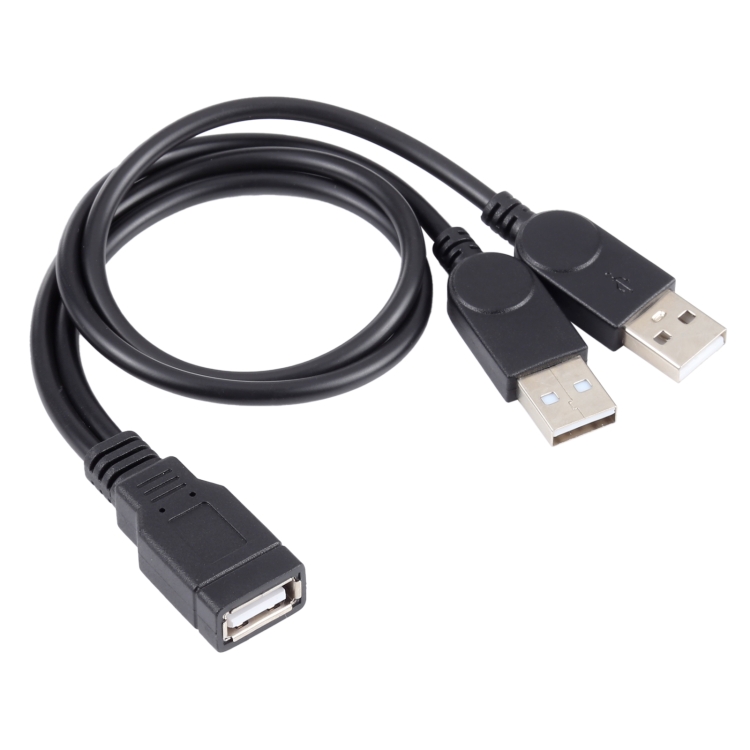
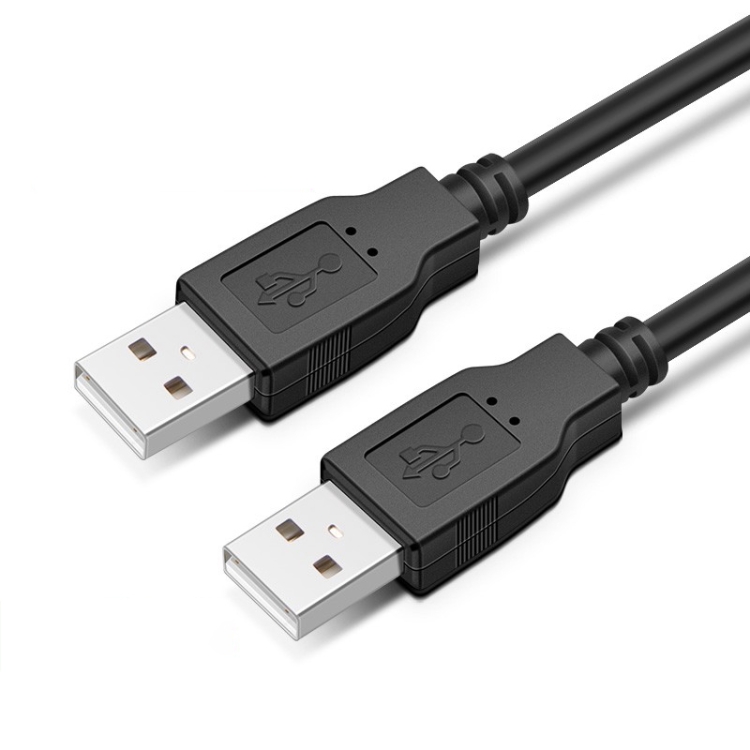
Warning Signs of Fake USB Cables
- Price Too Good to Be True: Extremely low prices indicate counterfeits
- Poor Packaging: Misspellings, low-quality printing
- Lightweight: Fake cables often lack proper shielding
- Connector Quality: Rough edges, poor fit
Check the Connectors
Examine connector quality:
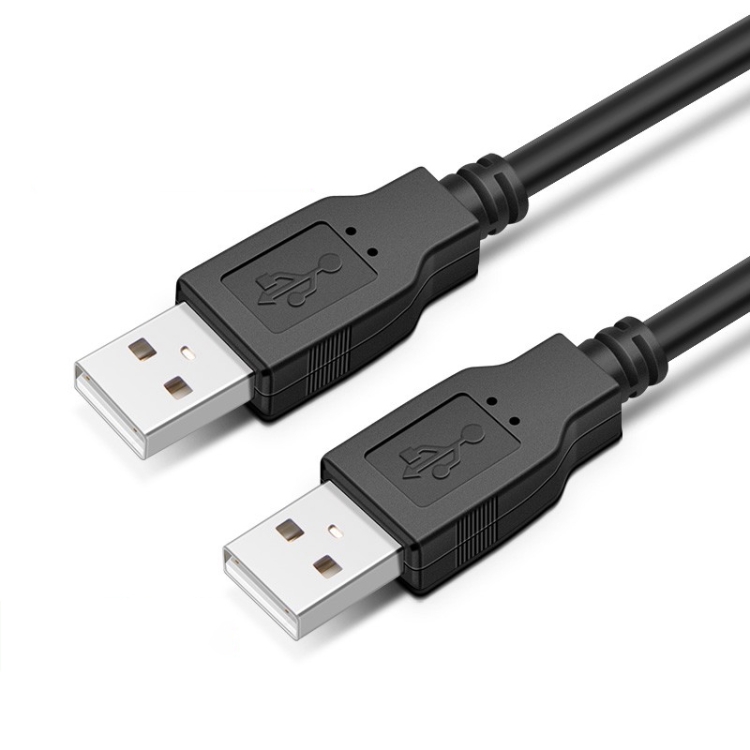
- Smooth finish without rough edges
- Proper markings and logos
- Snug fit without being too tight or loose
- Consistent color and finish
Test Charging Speed
Fake cables often can’t deliver rated power:
- Use a USB power meter to test
- Compare charging speed to original cable
- Fast charging should work as advertised
Data Transfer Test
Test data transfer capabilities:
- Transfer large files and check speed
- USB 3.0 cables should achieve 5Gbps speeds
- Slow speeds indicate inferior quality
Certification Marks
Look for these certifications:
- USB-IF: Official USB certification
- MFi: Apple certification for Lightning cables
- CE, FCC, UL: Safety certifications
Buy from Reputable Sources
- Purchase from authorized retailers
- Check seller ratings and reviews
- Be cautious with third-party sellers
- Avoid unverified online marketplaces
Safety Risks of Fake Cables
- Overheating during charging
- Device damage from power surges
- Data corruption or loss
- Fire hazard in extreme cases