Choosing the Right USB Adapter for Your MacBook or Laptop

The Adapter Maze
Walk into any electronics store and you’ll find dozens of USB adapters: USB-C to USB-A, USB-A to USB-C, USB-C to HDMI, Lightning to USB-C, and more. Which one do you actually need? The answer depends entirely on what devices you own and what you’re trying to connect.
At USBToUSB, we carry a complete range of USB adapters. This guide walks you through every scenario and helps you pick the exact adapter you need.
Scenario 1: New Laptop, Old Accessories
Problem: Your new MacBook or Windows laptop has only USB-C ports. Your keyboard, mouse, flash drive, and printer all have USB-A connectors.
Solution: USB-A Female to USB-C Male adapter
This adapter plugs into your laptop’s USB-C port and provides a USB-A female receptacle. Your existing USB-A accessories plug into the adapter. Note: data speeds are limited to USB 2.0 (480 Mbps) through most adapters.
Scenario 2: Old Laptop, New USB-C Device
Problem: Your older laptop has USB-A ports. Your new flash drive or external SSD has a USB-C connector.
Solution: USB-C Female to USB-A Male adapter
Our USB-C/Type-C Female to Male Converter Adapter plugs into your laptop’s USB-A port and provides a USB-C female receptacle. Your USB-C device plugs into the adapter. Data speeds are limited to USB 2.0.
Scenario 3: Connecting External Monitor
Problem: You want to connect an HDMI monitor to your laptop that only has USB-C ports.
Solution: USB-C Hub with HDMI output
Instead of a simple adapter, use a USB-C hub with built-in HDMI. The 3-in-1 USB-C to HDMI Hub provides HDMI output plus 2 USB 3.0 ports. For multiple monitors, the MCY 12-in-1 Hub supports triple monitors via HDMI and VGA.
Scenario 4: Charging Different Devices
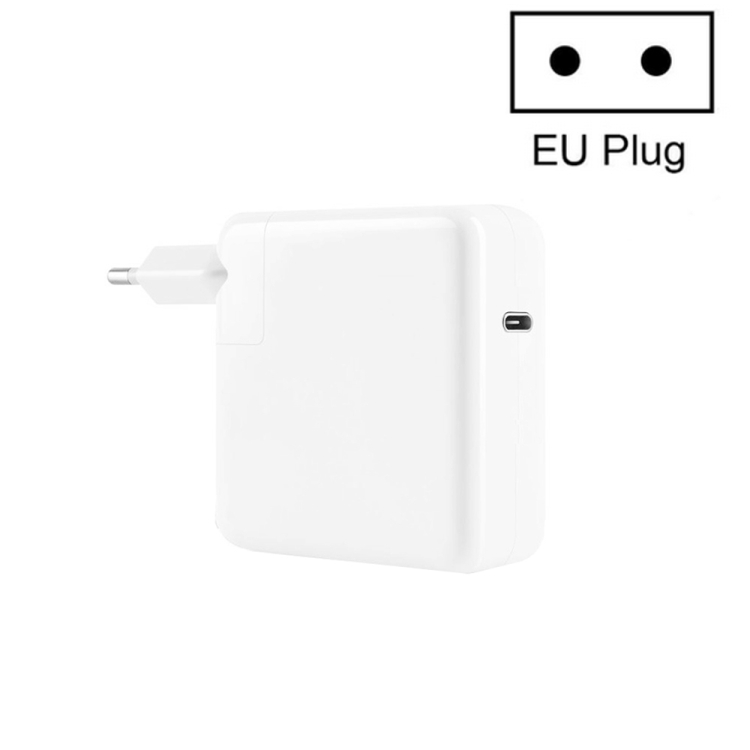
Problem: You have a USB-C charger (like the A3365 PD40W) and need to charge a device with a different connector.
Solutions:
- USB-C to Lightning cable: For iPhone 14 and earlier
- USB-C to USB-C cable: For iPhone 15+, Android phones, and USB-C laptops
- USB-C to Micro-USB adapter: For older Android devices and accessories
Scenario 5: MagSafe MacBook Charging
Problem: You have an older MacBook with MagSafe 1 or MagSafe 2, and you want to use a modern USB-C charger.
Solution: USB-C to MagSafe adapter cable (converts USB-C PD to MagSafe input)
Alternatively, use our genuine MagSafe AC Adapters (45W, 60W, or 85W) designed specifically for older MacBooks.
Scenario 6: International Travel
Problem: You need to charge your devices in a country with different plug types.
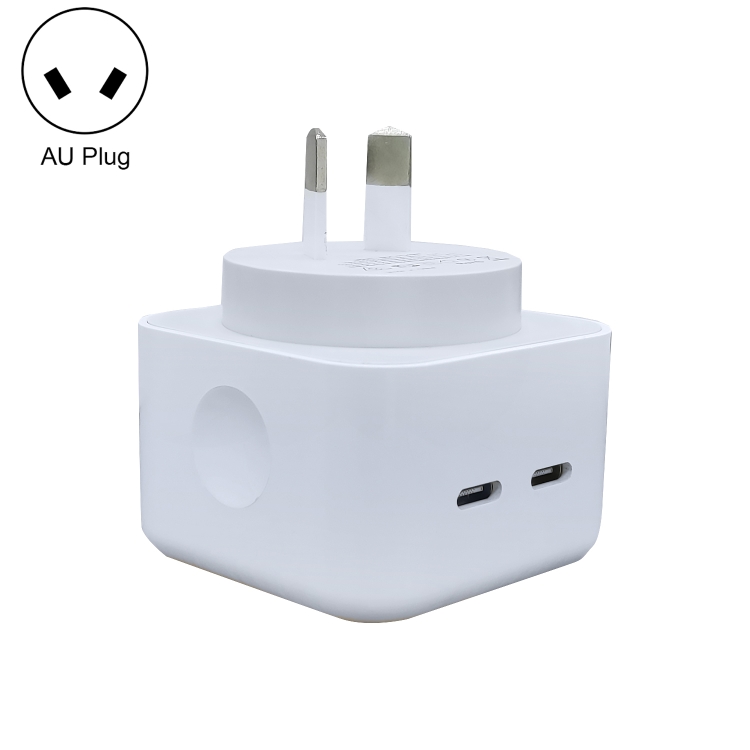
Solution: Travel Universal Converter with Dual USB
Our 110-250V travel converter handles US, EU, UK, and AU plug types, plus includes dual USB ports for charging phones and tablets simultaneously.
Scenario 7: Automotive Charging
Problem: Your car has USB-A ports, and you need to charge a USB-C phone.
Solution: USB-C Female to USB-A Male adapter + USB-C to USB-C cable
Or use a car charger adapter with USB-C PD output for faster charging than the car’s built-in USB ports.
Scenario 8: Desk Cable Management
Problem: USB cables stick straight out of your laptop, causing cable clutter and port stress.
Solution: Right Angle USB Adapter
Our USB 3.0 AM to AF Right Angle Adapter redirects the cable 90 degrees, running it parallel to your laptop. Available in blue and black variants.
Scenario 9: Magnetic Charging Safety
Problem: You want MagSafe-like breakaway protection on your USB-C laptop.
Solution: 100W Magnetic USB-C Elbow Adapter
Our magnetic adapter adds a magnetic breakaway connection to any USB-C charging cable, protecting your laptop’s port from cable yanks.
Scenario 10: Multiple Devices, One Charger
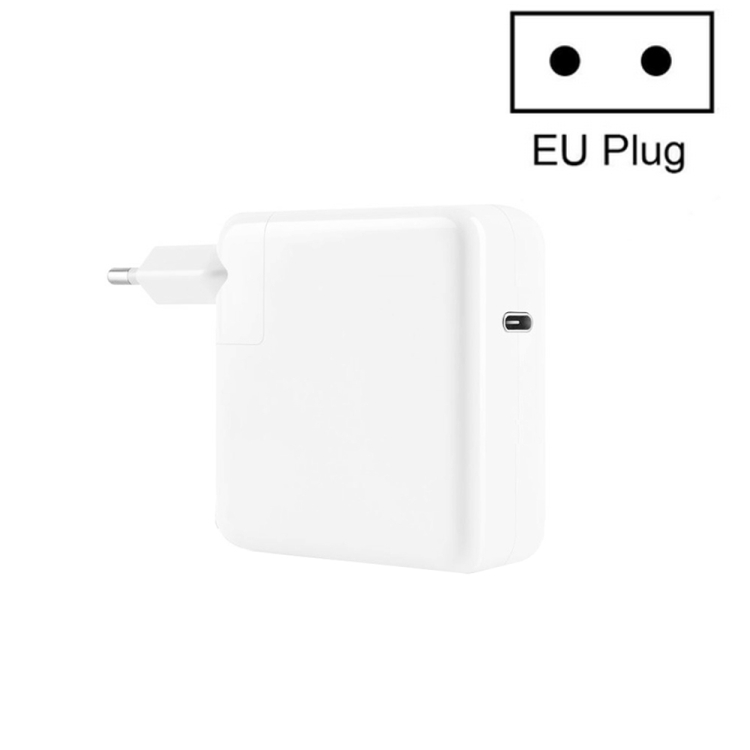
Problem: You have one USB-C charger and need to charge multiple devices.
Solution: Multi-port USB-C charger
Instead of an adapter, use a multi-port charger like the JOYROOM JR-TG10 65W (3 ports) or the 150W 8-Port Station (8 ports). These chargers eliminate the need for adapter chains.
Quick Reference: Adapter Selection Guide
| You Have | You Need | Adapter Required |
|---|---|---|
| USB-C port | USB-A device | USB-A Female to USB-C Male |
| USB-A port | USB-C device | USB-C Female to USB-A Male |
| USB-C port | HDMI monitor | USB-C Hub with HDMI |
| USB-C charger | Lightning device | USB-C to Lightning cable |
| USB-C charger | Micro-USB device | USB-C to Micro-USB adapter |
| MagSafe MacBook | USB-C charger | USB-C to MagSafe cable |
| Tight space | Cable management | Right Angle USB Adapter |
| USB-C laptop | Port protection | Magnetic USB-C Adapter |
Quality Considerations
When buying USB adapters, quality matters:
- Connector fit: Quality adapters fit snugly with no wiggling
- Contact plating: Gold-plated contacts resist corrosion and provide better conductivity
- Housing material: Aluminum housings are more durable and provide better EMI shielding
- Strain relief: Look for molded strain relief boots on cable-style adapters
- USB-IF certification: Certified adapters meet USB specifications for safety and performance