Best USB-C Chargers for MacBook Pro 2026:

MacBook Pro Charging Requirements
Choosing the right charger for your MacBook Pro isn’t as simple as buying the highest wattage available. The MacBook Pro 13″, 14″, and 16″ models have different power requirements, and using the wrong charger can mean slow charging, no charging, or even battery degradation over time.
At USBToUSB, we carry USB-C chargers ranging from 40W to 100W+ that are compatible with MacBook Pro models. Here’s the definitive guide to choosing the right one.
MacBook Pro Models and Their Power Needs
MacBook Pro 13″ (M1/M2/M3)
Requires minimum 30W PD. Charges optimally at 30-45W. A 40W charger like the A3365 PD40W is sufficient for this model. The laptop will draw exactly what it needs — using a higher wattage charger won’t charge it faster.
MacBook Pro 14″ (M1 Pro/M2 Pro/M3 Pro)
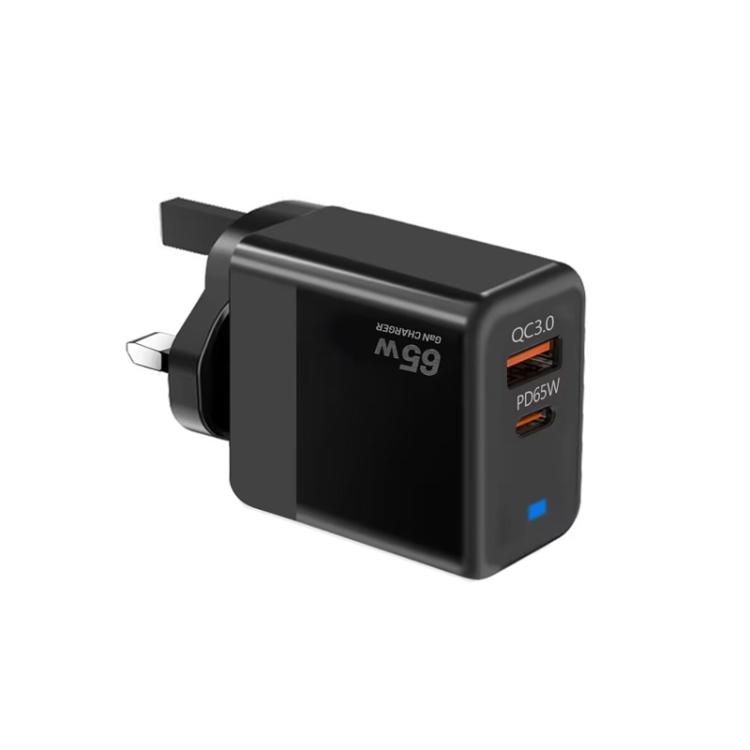
Requires minimum 65W PD for charging while in use. Apple ships a 67W or 70W charger with these models. The JOYROOM JR-TG10 65W or TE-PD65 GaN are ideal replacements that match Apple’s charging speed.
MacBook Pro 16″ (M1 Max/M2 Max/M3 Max)
Requires minimum 100W PD for charging while in use. Apple ships a 96W or 100W charger. For this model, you’ll need a 100W+ charger. Using a 65W charger will only maintain battery level — it won’t actually charge the battery while the laptop is in use.
USB Power Delivery Protocol: How It Works
USB PD negotiation is a handshake between charger and device. The MacBook Pro sends its power requirements to the charger, and the charger responds with available voltage/current profiles. The MacBook Pro then selects the optimal profile.
PD profiles for MacBook Pro:
- 5V/3A (15W) — standard USB power
- 9V/3A (27W) — fast charging for phones
- 15V/3A (45W) — MacBook Air charging
- 20V/3.25A (65W) — MacBook Pro 14″ optimal
- 20V/5A (100W) — MacBook Pro 16″ optimal
Can You Use a Higher Wattage Charger?
Yes — and it’s completely safe. USB PD negotiation ensures the MacBook Pro only draws the power it needs. Using a 100W charger on a MacBook Pro 13″ won’t charge it faster or damage the battery. The laptop simply requests 30W, and the charger delivers 30W.
However, using a charger with lower wattage than required means the laptop may drain battery while in use, even when plugged in. This is a common complaint from 16″ MacBook Pro users who try 65W chargers.
Multi-Port Chargers for MacBook + iPhone
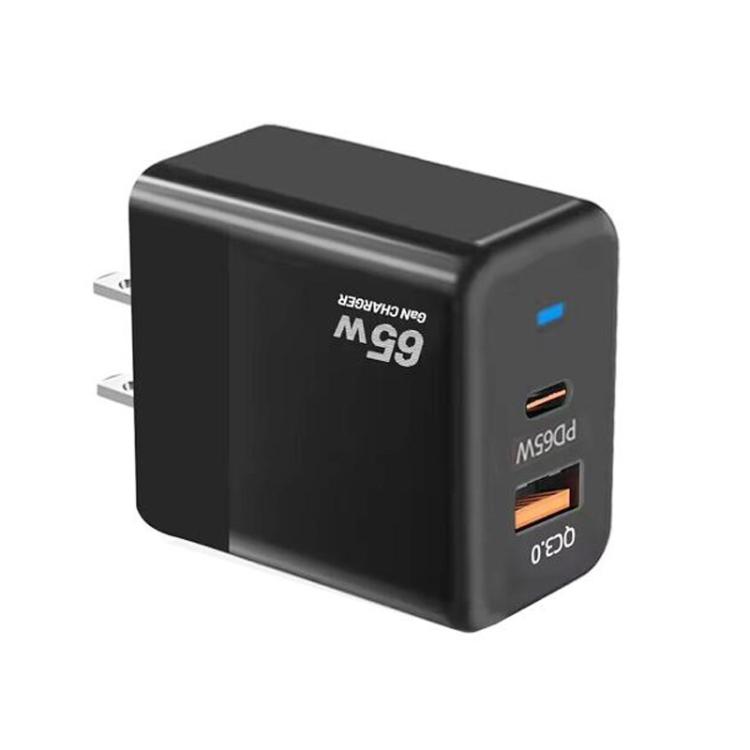
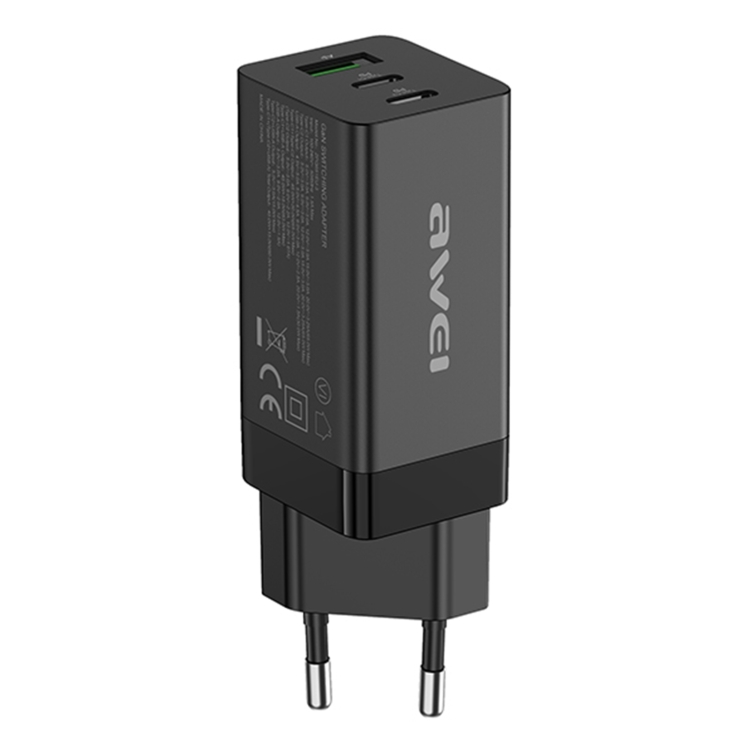
If you carry both a MacBook Pro and an iPhone, a multi-port GaN charger is the ideal solution. The JOYROOM JR-TG10 65W has two Type-C ports and one USB-A port. When charging a MacBook Pro 14″ (45W) and iPhone (15W) simultaneously, the charger dynamically allocates power to both devices.
For MacBook Pro 16″ users, a 100W+ multi-port charger is necessary. Look for chargers that can deliver 65W+ to the primary Type-C port even when other ports are in use.
Best Chargers for Each MacBook Pro Model
- MacBook Pro 13″: A3365 PD40W (compact, affordable, sufficient power)
- MacBook Pro 14″: TE-PD65 GaN (65W, QC4.0, full protocol support)
- MacBook Pro 16″: 100W+ GaN charger with PD 3.1 EPR support
- Travel (any model): Havit UC253 65W with retractable cable (no separate cable needed)
Cable Requirements for MacBook Pro Charging
The charger is only half the equation — you also need a cable rated for the correct wattage. Standard USB-C cables handle 60W (3A at 20V). For 100W+ charging, you need an E-Marker cable rated for 5A at 20V. Using a 3A cable with a 100W charger will limit charging to 60W.