
Top 10 USB Cable Mistakes to Avoid
Learn the top 10 USB cable mistakes to avoid. From speed ratings to durability, these tips will help you choose and use USB cables correctly.

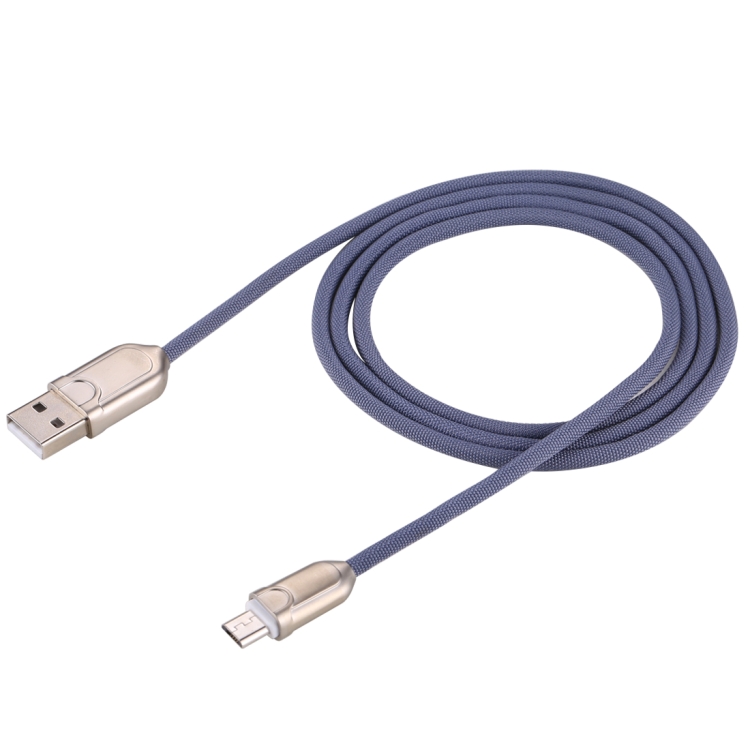
Common USB Cable Mistakes
Many people make mistakes when buying and using USB cables. Avoid these common errors to ensure better performance and longevity.
Mistake #1: Ignoring Cable Speed Ratings
Not all USB cables are created equal. Always check the speed rating (USB 2.0, 3.0, 3.1, 3.2) to match your needs.
Mistake #2: Buying the Cheapest Option
Ultra-cheap cables often have poor build quality, leading to slow charging, data corruption, or safety hazards.
Mistake #3: Using Wrong Cable for Charging
Using a USB 2.0 cable with a fast charger won’t give you fast charging speeds. Match cable capabilities to your charger.
Mistake #4: Ignoring Power Delivery Support
For fast charging laptops or high-power devices, ensure your cable supports USB Power Delivery (PD).
Mistake #5: Buying Cables That Are Too Long
Longer cables can have signal degradation. For high-speed data transfer, stick to cables under 2 meters.
Mistake #6: Not Checking Connector Types
Always verify you’re buying the right connector combination (USB-A to USB-C, USB-C to USB-C, etc.).
Mistake #7: Forgetting About Durability
Choose braided cables or reinforced connectors for cables that will see heavy use.
Mistake #8: Ignoring Certification
Look for USB-IF certification for USB-C cables and MFi certification for Lightning cables.
Mistake #9: Not Having Backup Cables
Always have spare cables for essential devices. Cables can fail at inconvenient times.
Mistake #10: Improper Cable Storage
Tightly wrapping cables causes damage. Store them loosely coiled or use cable organizers.
Conclusion
By avoiding these common mistakes, you’ll get better performance and longer life from your USB cables. Browse our quality USB cables for reliable options.
Related Searches
- usb cable buying guide 2026
- usb technology explained
- usb cable maintenance tips