
Micro USB vs USB-C: The Complete Comparison Guide
Compare Micro USB and USB-C connectors. Learn about physical differences, speed, power delivery, and why USB-C is the modern standard.

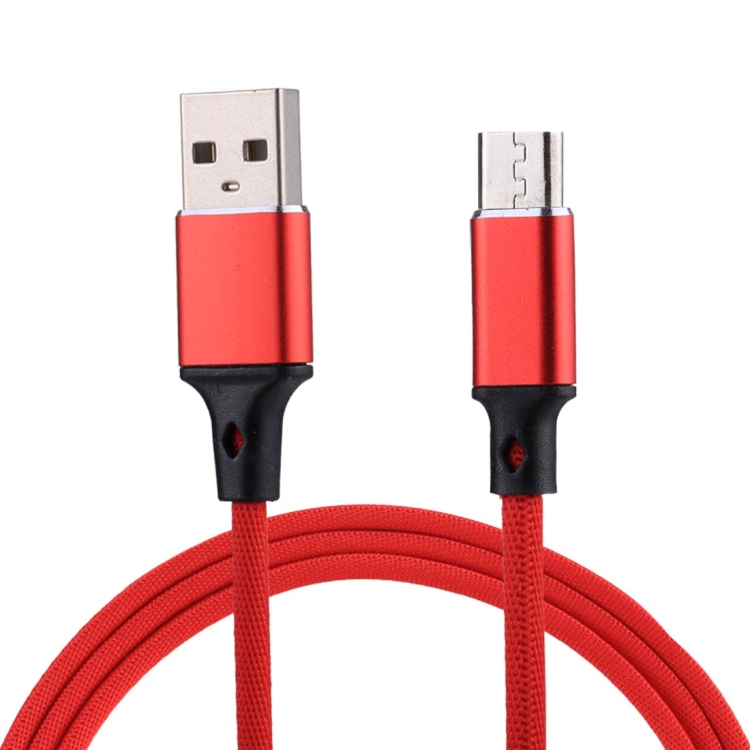
The Evolution of USB Connectors
Micro USB and USB-C represent different generations of USB technology. Understanding their differences helps you choose the right cables and devices.
Physical Differences
Micro USB:
- Smaller, trapezoid-shaped connector
- One-way insertion only
- More prone to wear and damage
- Standard on older Android devices
USB-C:
- Larger, oval-shaped connector
- Reversible – insert either way
- More durable design
- Standard on modern devices
Speed Comparison
- Micro USB: Typically USB 2.0 speeds (480Mbps)
- USB-C: Supports USB 3.0 to USB 4 (up to 40Gbps)
Power Delivery
- Micro USB: Limited to about 9W (5V/1.8A)
- USB-C: Supports up to 100W with USB PD
Device Compatibility
Micro USB Devices:
- Older Android smartphones (pre-2016)
- Older Bluetooth speakers
- Some game controllers
- Older e-readers
USB-C Devices:
- Modern Android smartphones
- iPhone 15 series
- iPad Pro and iPad Air
- MacBook and most laptops
- Nintendo Switch
Why USB-C is Better
- Reversible design eliminates frustration
- Higher data transfer speeds
- Fast charging support
- Universal standard across devices
- More durable connector
Transitioning from Micro USB to USB-C
If you have both types of devices:
- Use USB-C to Micro USB adapters
- Invest in multi-cable solutions
- Consider upgrading older devices
Conclusion
USB-C is the clear winner in terms of performance, convenience, and future-proofing. However, Micro USB remains relevant for older devices. Check our USB cable collection for both types.
Related Searches
- best usb-c cable for fast charging
- usb-c cable types explained
- usb-c cable for gaming