100W USB-C Chargers: Do You Really Need That Much Power?

The 100W Question
100W USB-C chargers are now mainstream, with prices dropping below $40. But before you upgrade from your 65W charger, ask yourself: do your devices actually need 100W? In many cases, the answer is no — and spending extra on 100W could a waste of money.
We carry chargers from 20W to 150W+. This guide helps you determine if 100W is the right choice for your needs.
Devices That Actually Need 100W
Very few consumer devices require 100W charging. Here’s the complete list:
- MacBook Pro 16″ (M1/M2/M3 Max): Requires 96-100W for charging while in use
- Large gaming laptops: ASUS ROG, MSI Raider, Alienware — often need 100W+ just to maintain battery
- Workstation laptops: Dell Precision, HP ZBook, Lenovo ThinkPad P-series
- Simultaneous multi-device charging: Two laptops at 45W each, or one laptop + multiple phones
If none of these describe your setup, a 65W charger like the TE-PD65 GaN will serve you better at a lower price and smaller size.
Devices That Don’t Need 100W (But People Think They Do)
Smartphones: No phone on the market draws more than 30W via USB-C PD. Even the Samsung Galaxy S24 Ultra maxes out at 25W with PPS. A 100W charger won’t charge your phone any faster than a 30W charger.
Tablets: iPad Pro charges at 30-35W maximum. Samsung Galaxy Tab S9 at 25W. A 100W charger is massive overkill.
MacBook Air: The MacBook Air M2/M3 needs only 30W. Using a 100W charger works fine but provides zero speed benefit over a 30W charger.
MacBook Pro 13″/14″: These models max out at 65W. A 100W charger will charge them at 65W, not 100W — the laptop won’t accept more power than its design allows.
The Real Advantage of 100W: Multi-Device Charging
The strongest case for a 100W charger isn’t a single device — it’s charging multiple devices simultaneously. A 100W charger with three ports can deliver:
- 65W to a MacBook Pro (fast charging)
- 20W to an iPhone (fast charging)
- 15W to AirPods (standard charging)
This scenario is where 100W genuinely shines. No single device needs 100W, but the combined demand of 3-4 devices justifies the higher wattage.
100W Charger Size and Weight
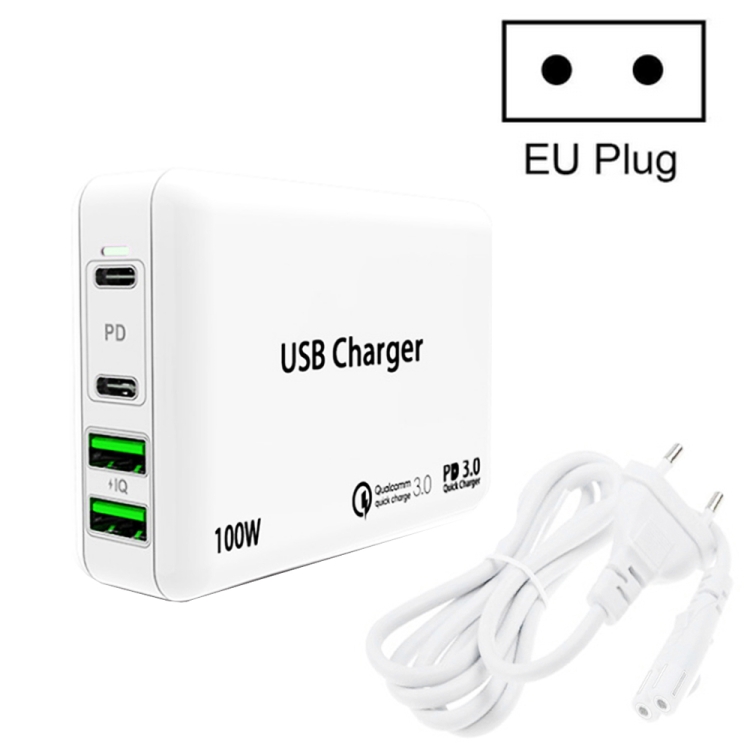
Even with GaN technology, 100W chargers are noticeably larger than 65W units. A typical 100W GaN charger weighs 120-150g, compared to 60-80g for a 65W GaN charger. The difference is due to larger transformers and heat sinks required for higher power handling.
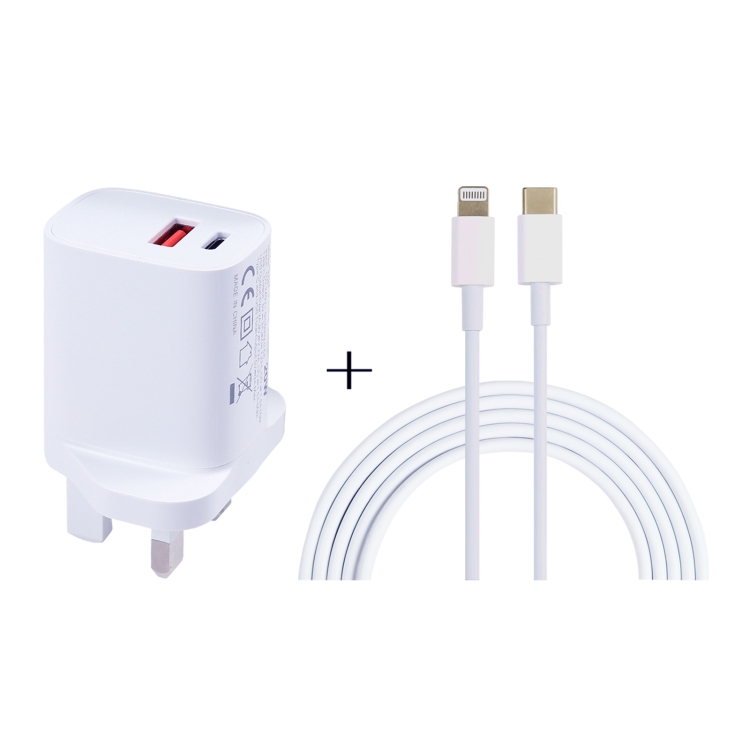
For travel, this extra bulk may not be worth it unless you genuinely need the multi-device charging capability.
Cable Requirements for 100W
This is critical: a standard USB-C cable only supports 60W (3A at 20V). For 100W charging, you need an E-Marker cable rated for 5A at 20V. These cables cost $8-$15 and are identified by the “5A” or “100W” label on the connector.
Using a 3A cable with a 100W charger limits charging to 60W — the cable literally cannot carry more current. This is a common pitfall for users who upgrade their charger but keep their old cable.
When to Buy 100W vs. 65W
- Buy 100W if: You charge a MacBook Pro 16″ or gaming laptop, or regularly charge 3+ devices simultaneously
- Buy 65W if: You charge a MacBook Pro 14″, or charge 2 devices simultaneously (laptop + phone)
- Buy 40W if: Your heaviest device is a MacBook Air, tablet, or smartphone